Material Requests
Record what needs to be bought and turn it into an RFQ or Purchase Order.
Used byProcurementFinance
A Material Request (purchase request) records what stock is needed, how much and by when — for example 50 000 EMV chip modules and 50 000 PVC card bodies for an upcoming bank order.
Who: Katekile Finance creates and edits; Procurement Team reads them (Procurement → Material Requests) and converts them.
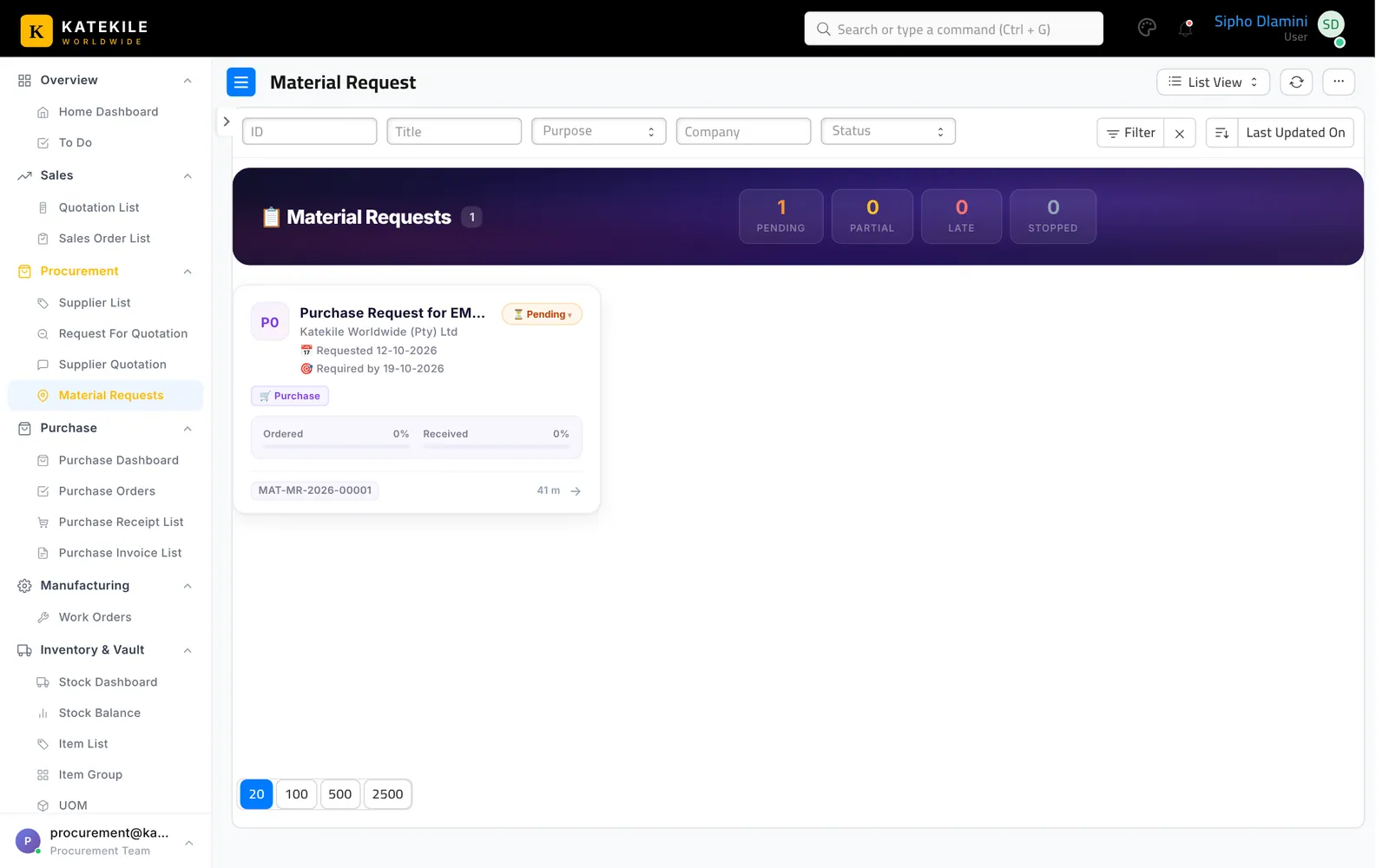
Create
- Add Material Request, type Purchase.
- Set Required By and the target Warehouse.
- Add items and quantities, save, then submit (see the note below).
The Katekile roles can create and save this document but none of them has Submit on it. Submission is done by a user with the standard Purchase User or Purchase Manager role. Until it is submitted, the next document cannot be created from it.
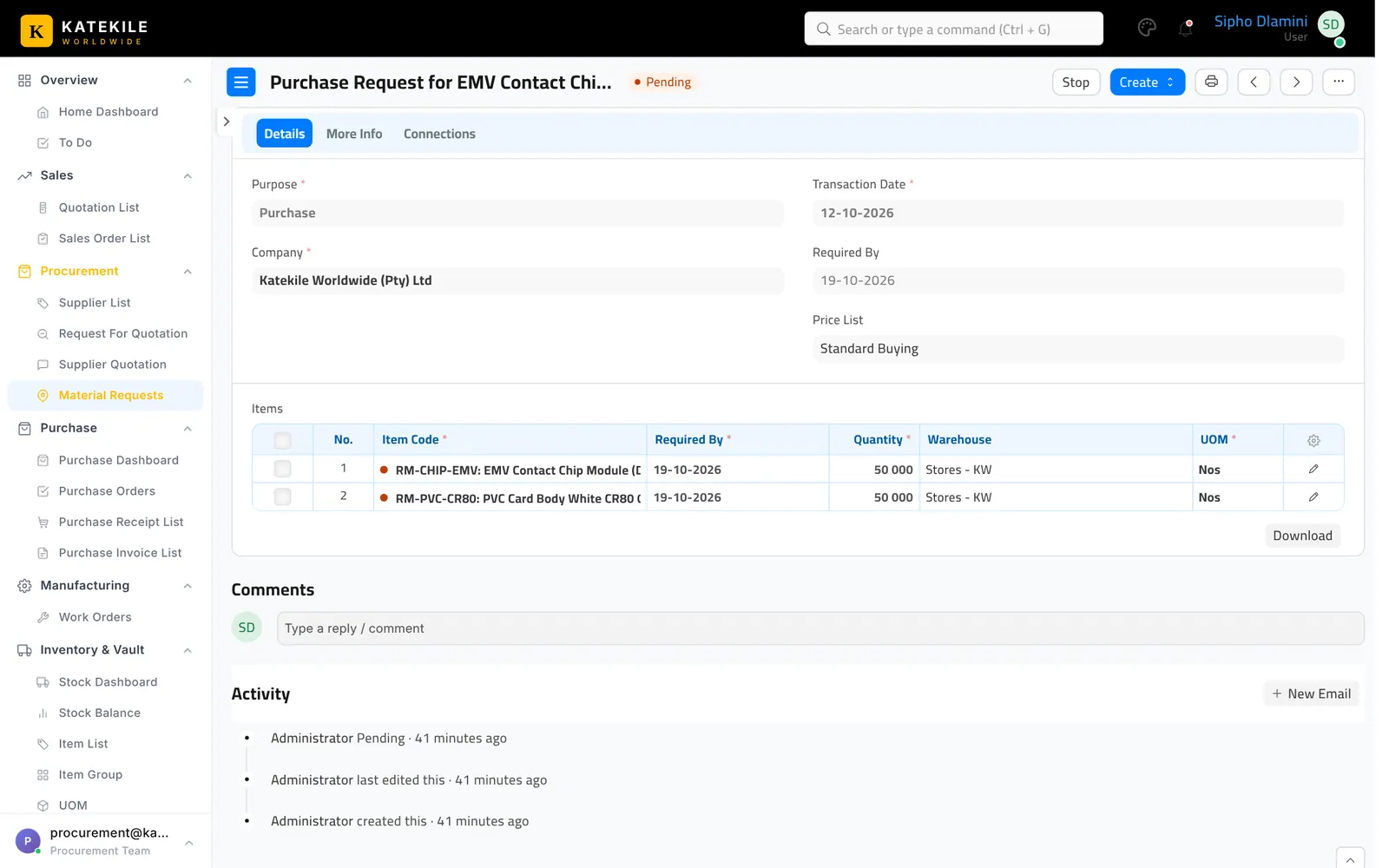
Convert
From the submitted request use Create → Request for Quotation or Create → Purchase Order. The list card actions include Stop and Re-open.
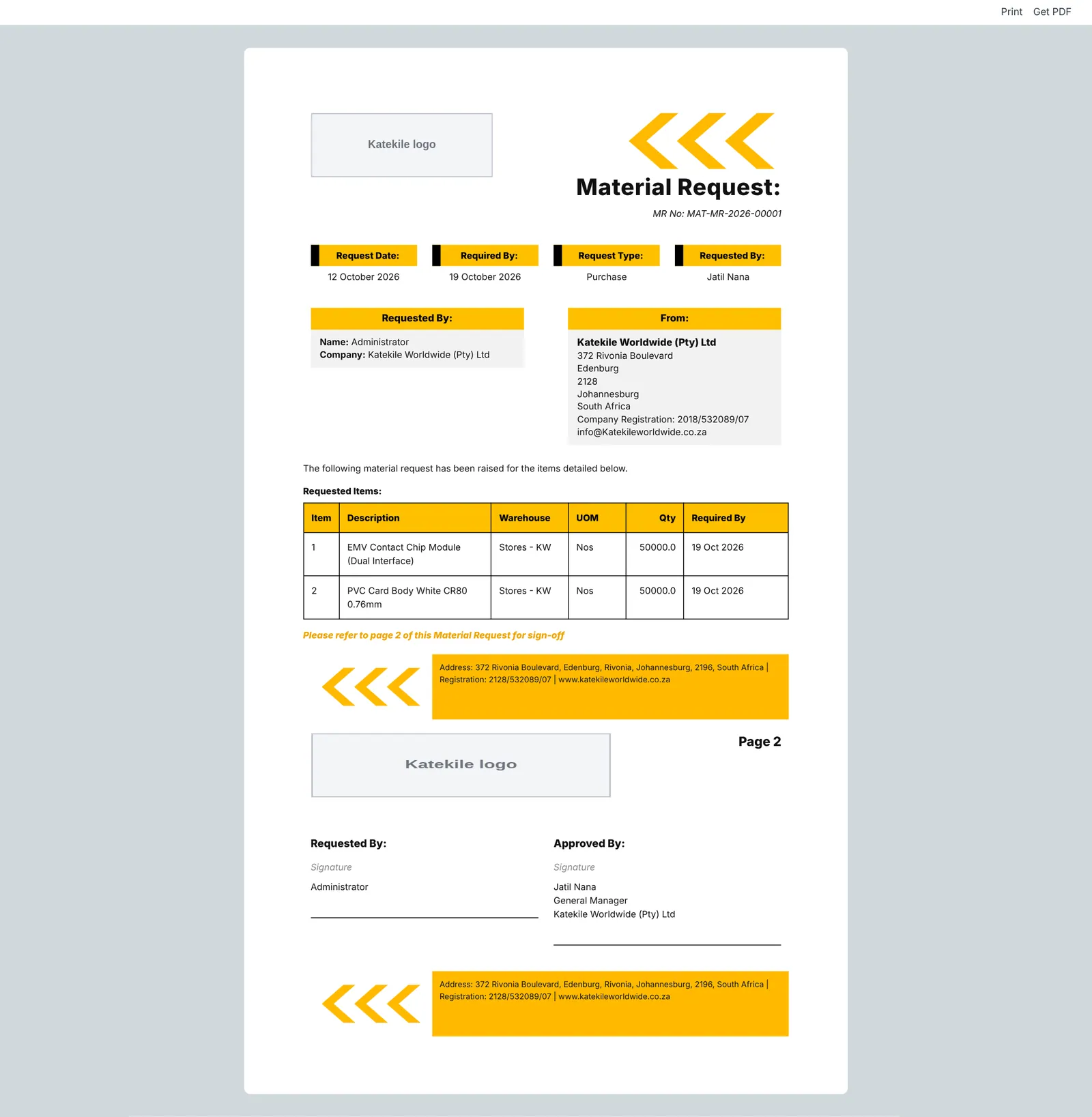
The print format is Katekile Material Request Format.
Last updated October 16, 2026