Stock Entries
Receipts, issues, vault transfers and transfers for manufacture.
Used byWhse UserWhse MgrProd. Mgr
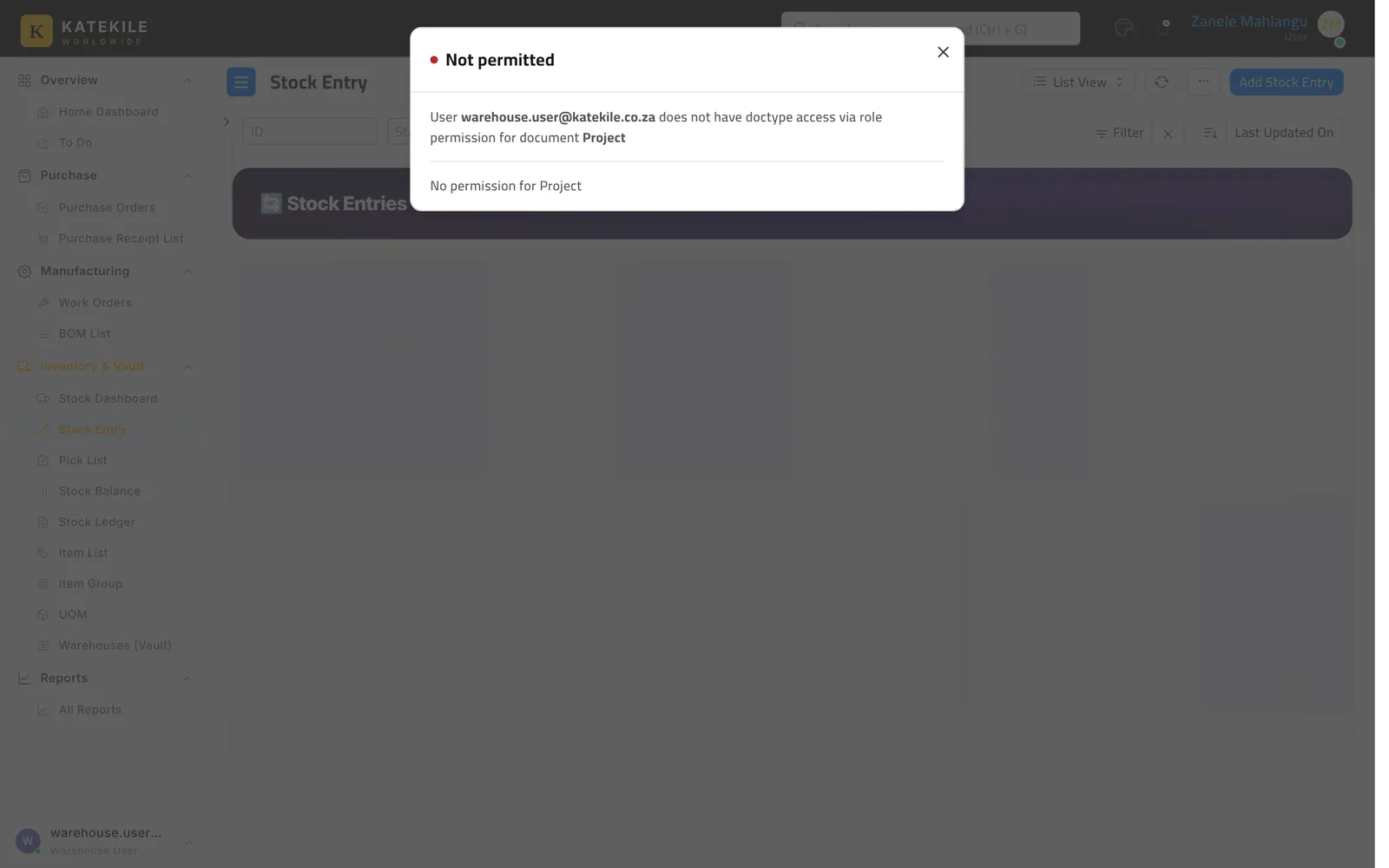
Who: Warehouse User creates (Procurement Team and Katekile Finance can too); Warehouse Manager edits; Production roles read. Posting (submitting) needs stock-posting rights. Menu: Inventory & Vault → Stock Entry.
Common entry types
| Type | When |
|---|---|
| Material Receipt | Stock arriving without a PO (opening stock, returns). |
| Material Transfer | Stores ↔ Secure Vault, between sites. |
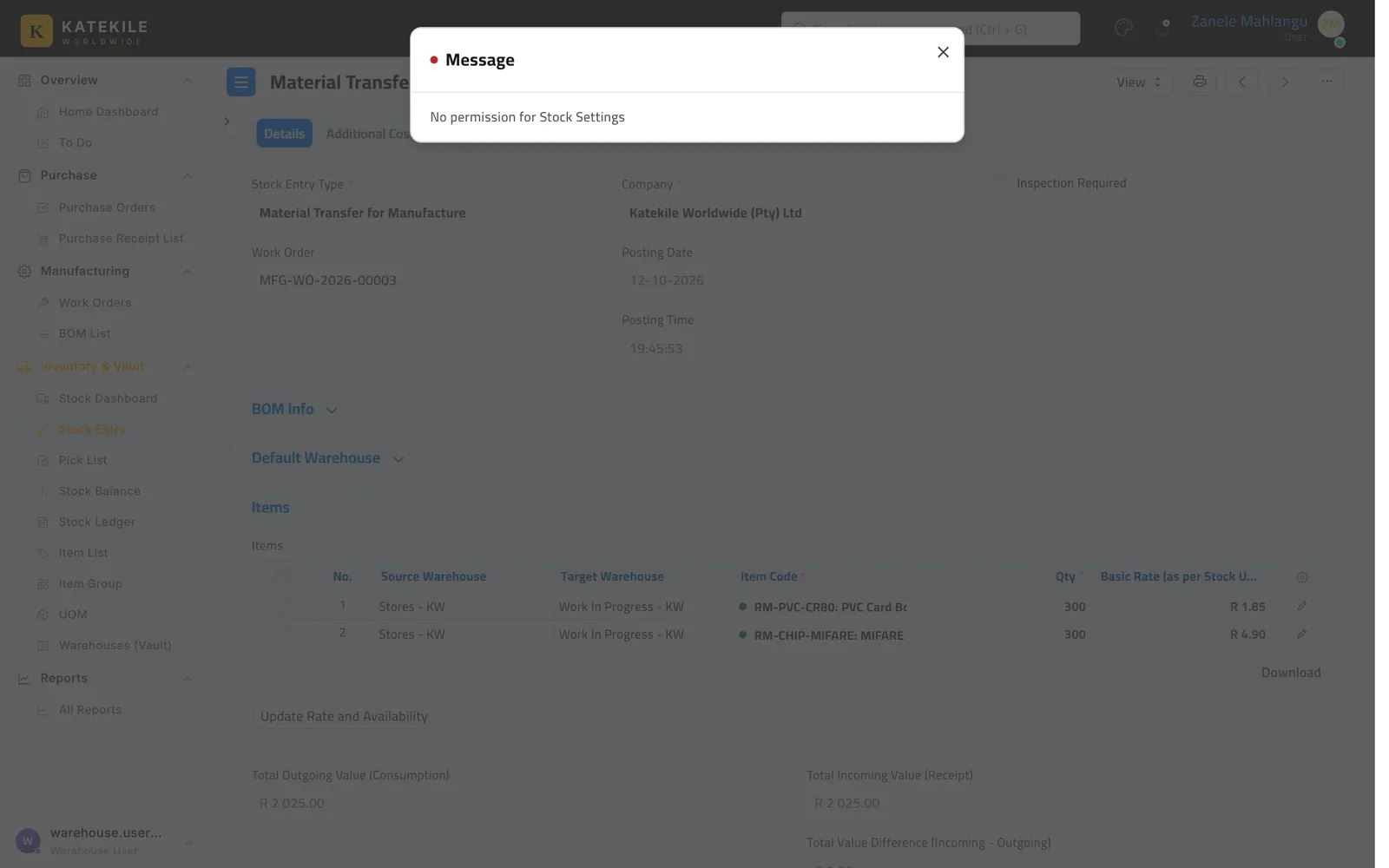
| Material Transfer for Manufacture | Raw materials to Work-in-Progress for a Work Order (created by Start on the Work Order). |
| Manufacture | Finished cards into Finished Goods (created by Finish on the Work Order). |
| Material Issue | Write-off of spoiled or rejected cards. |
Create a vault transfer
- Add Stock Entry, type Material Transfer.
- Default Source Warehouse: Stores; Default Target Warehouse: Secure Vault.
- Add items and quantities, save and submit.
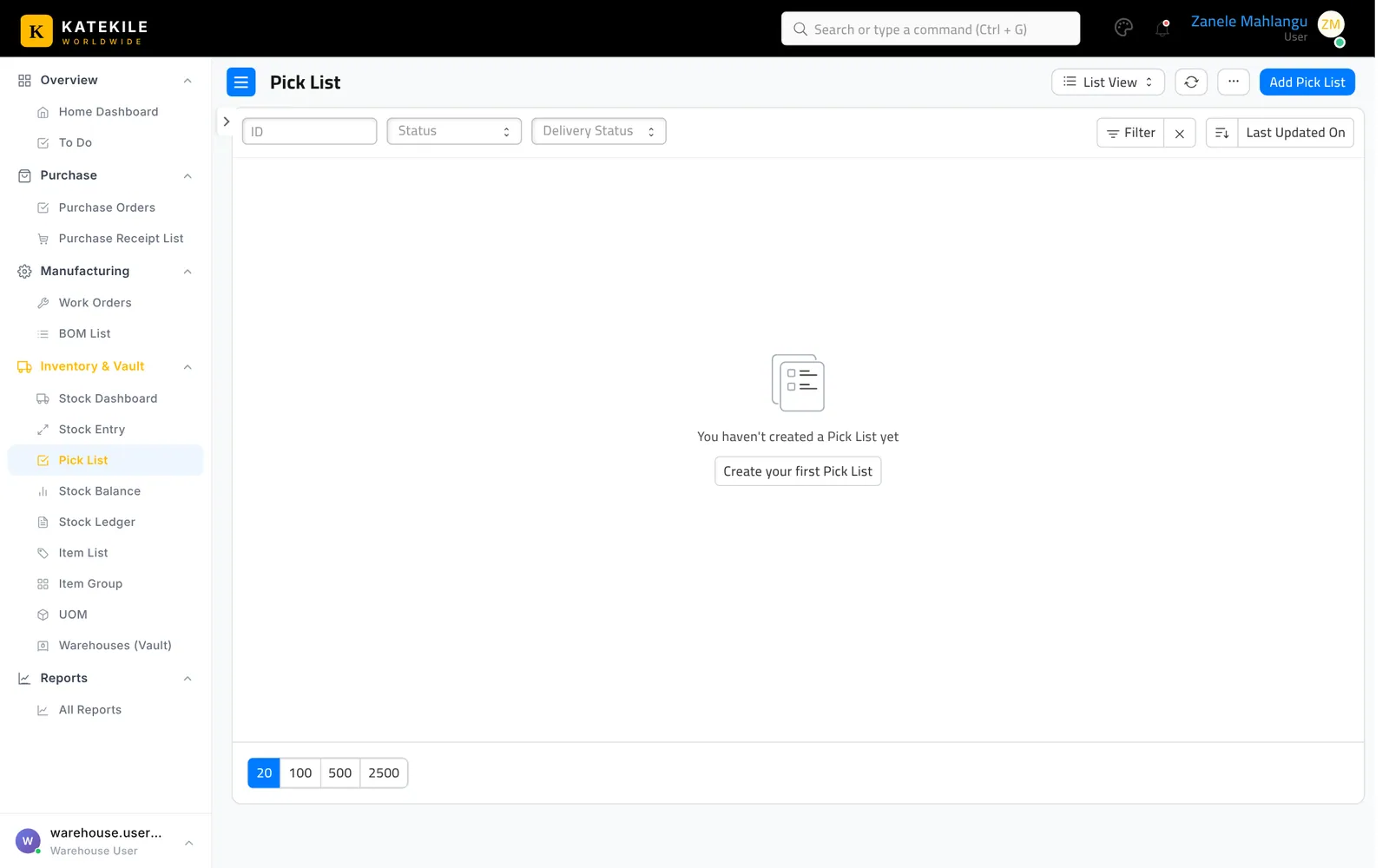
The Pick List (Inventory & Vault → Pick List, Warehouse User) helps pick stock for work orders and sales orders.
Last updated October 16, 2026