Payments
Record customer receipts and supplier payments, and reconcile them.
Used byFinance UserFinance Mgr
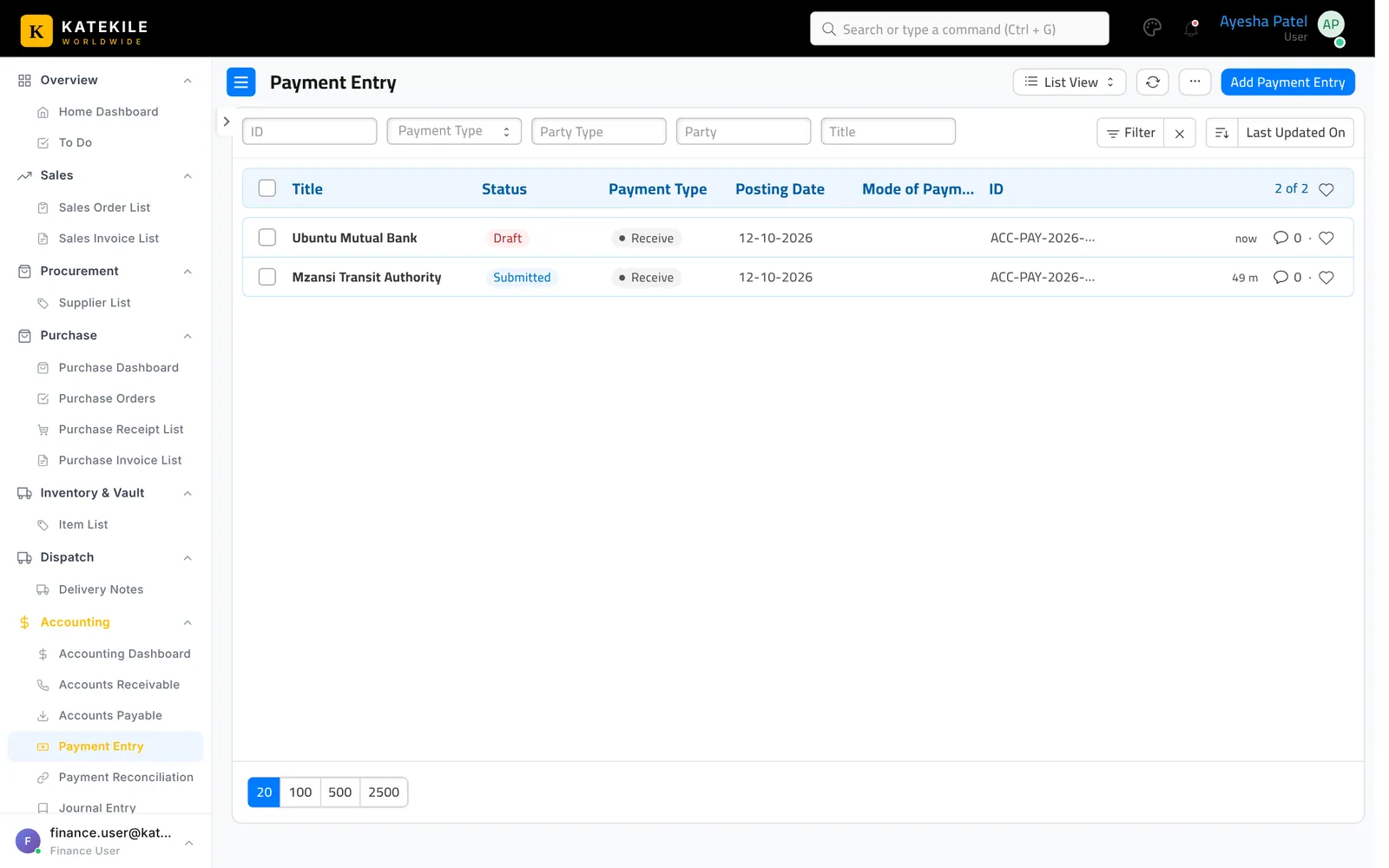
Menu: Accounting → Payment Entry.
Receive a customer payment
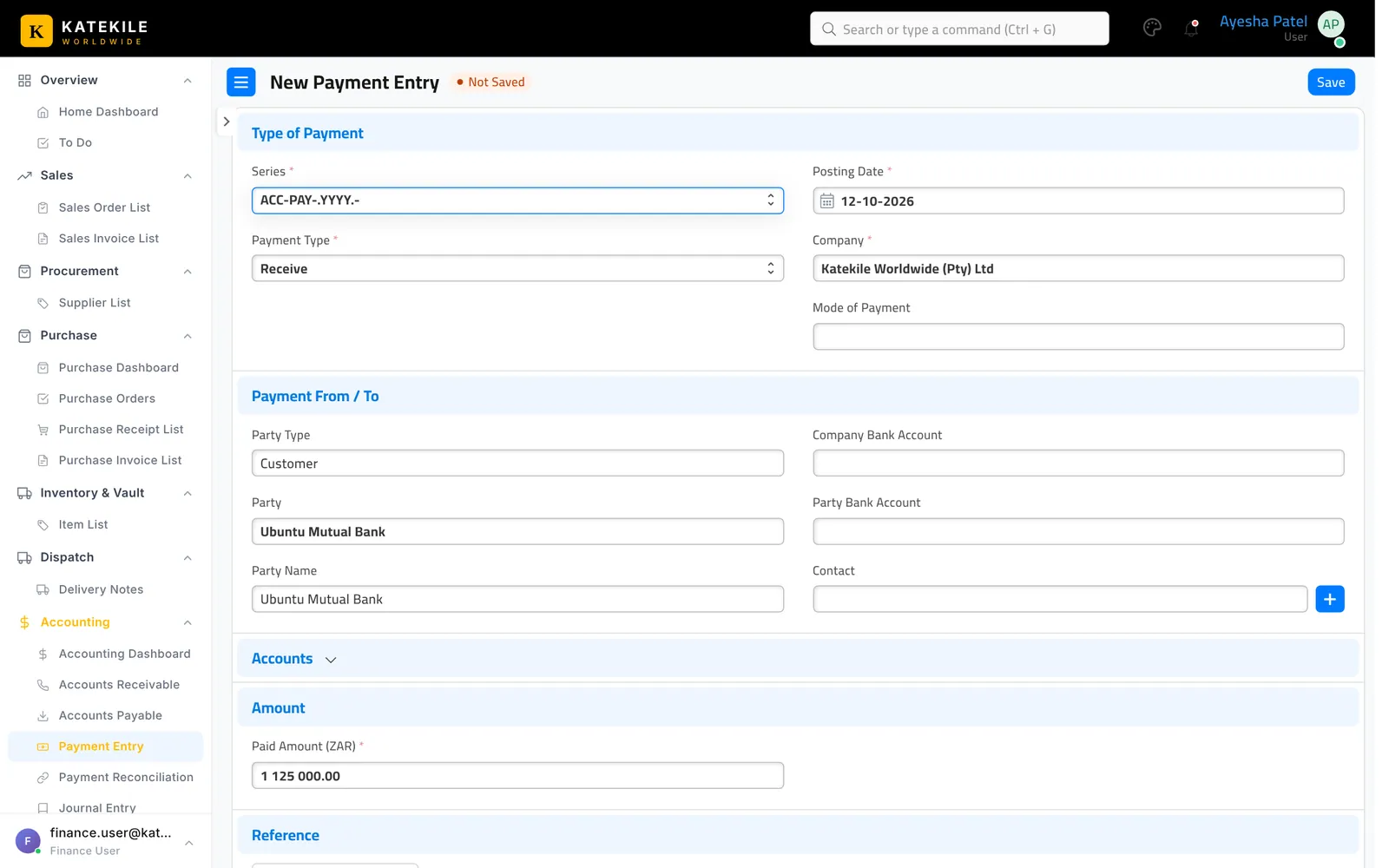
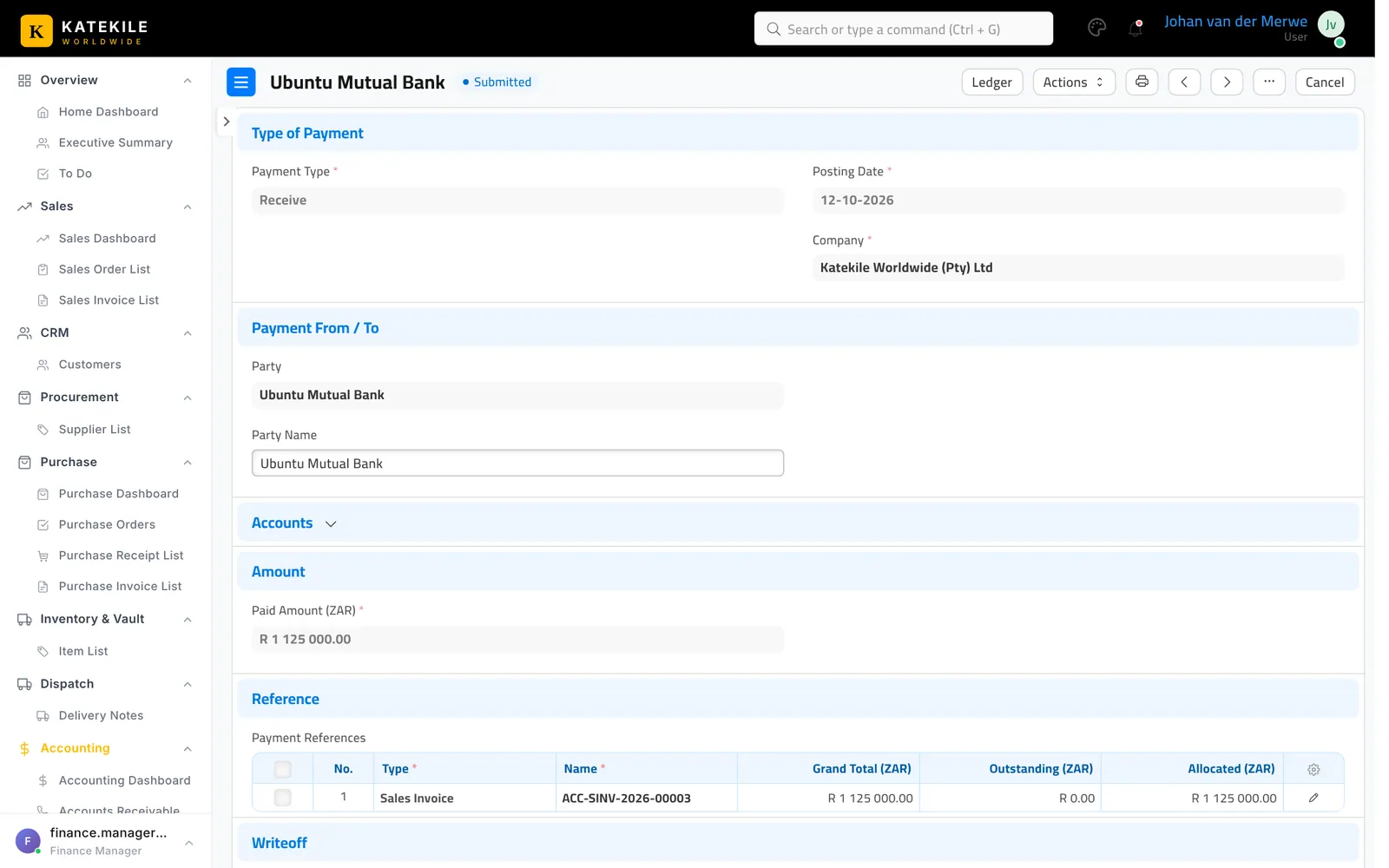
- Open the submitted Sales Invoice and click Create → Payment.
- Check Paid Amount (part payments are allowed), the bank account (Account Paid To), Reference No (e.g. EFT reference) and Reference Date.
- Save and Submit.
Pay a supplier
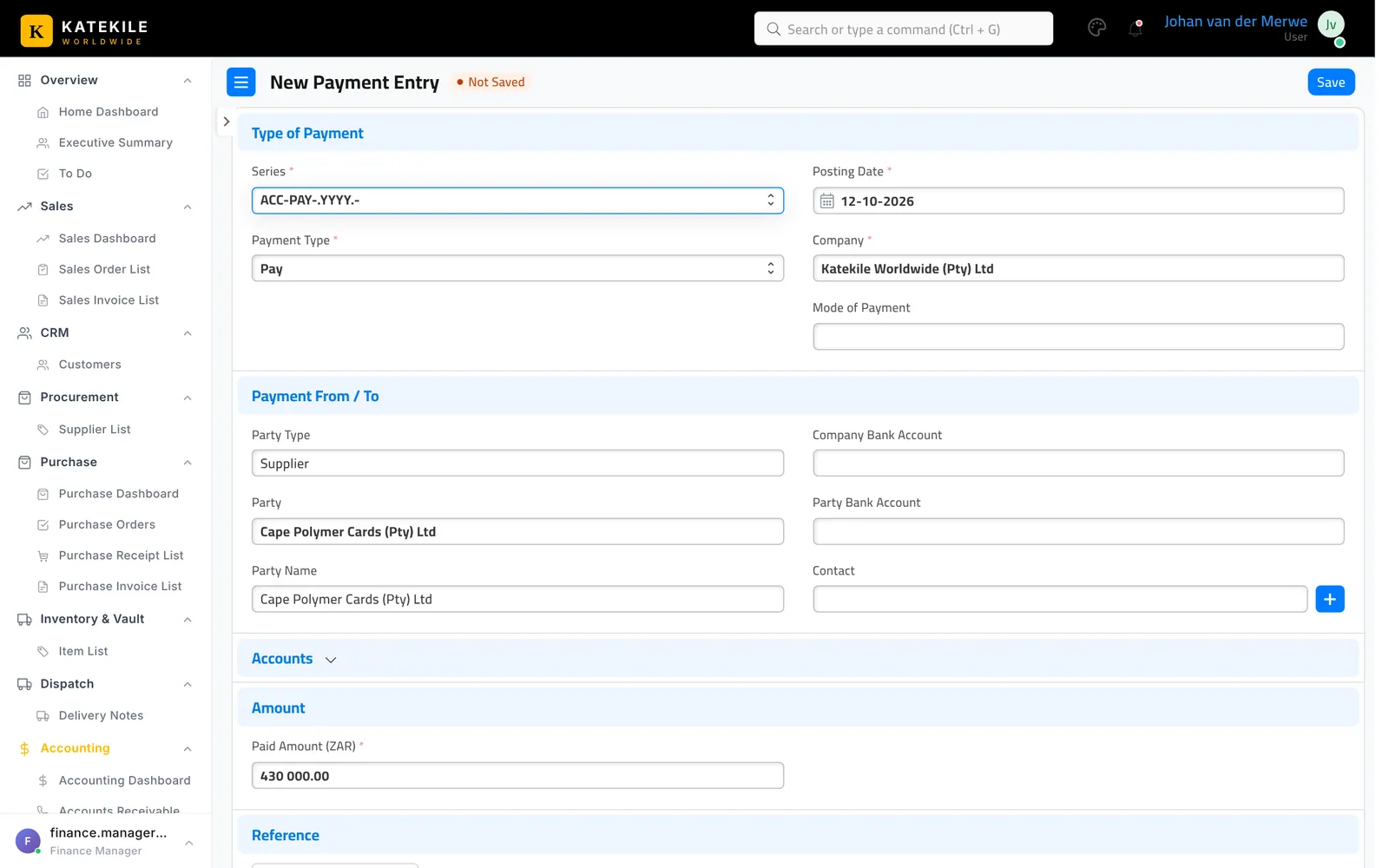
From the submitted Purchase Invoice use Create → Payment, check the amount, bank and reference, then submit.
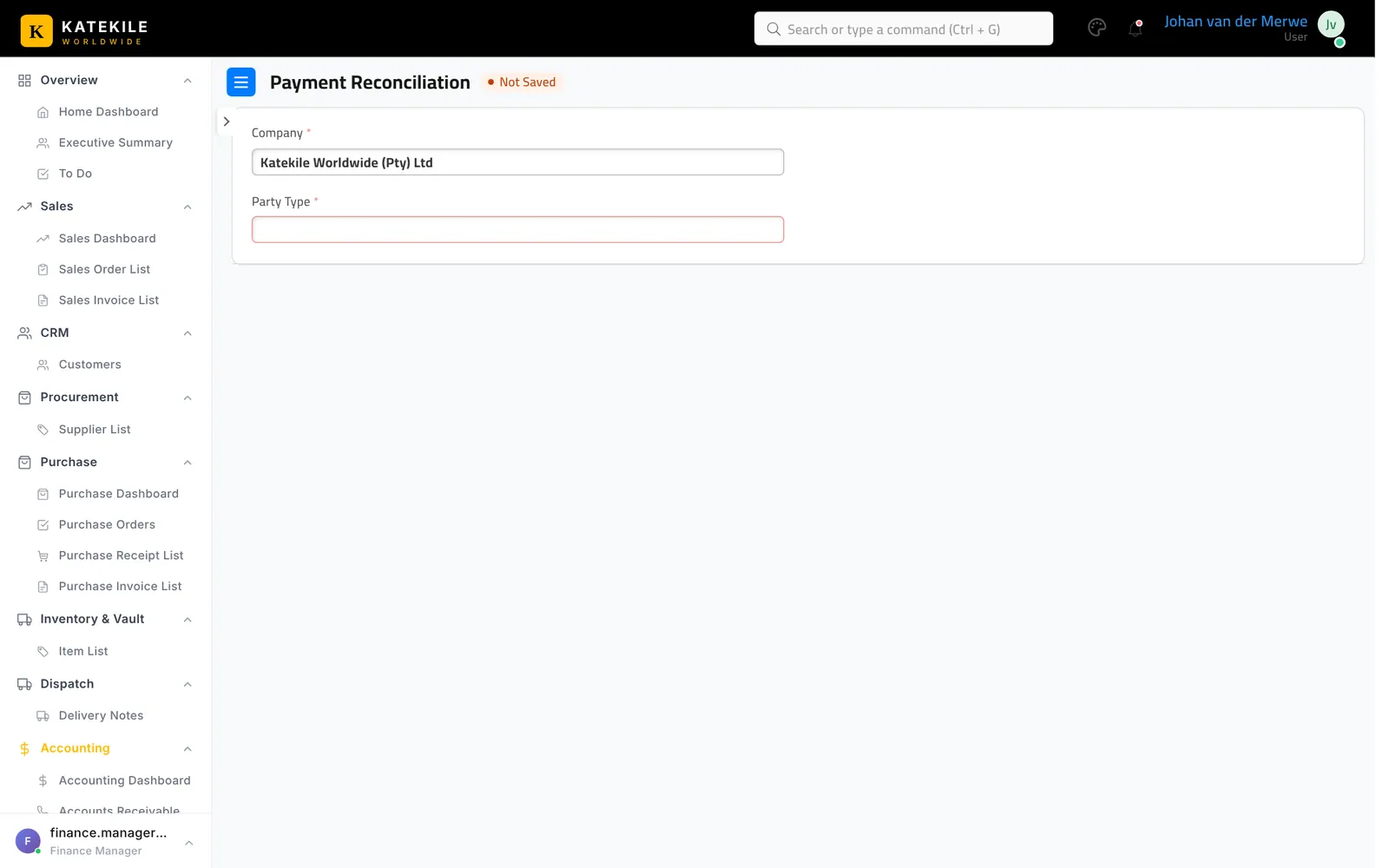
Payment Reconciliation
Accounting → Payment Reconciliation matches unallocated payments to open invoices for a customer or supplier.
Last updated October 16, 2026