Goods Receipt (Purchase Receipt)
Receive delivered stock against a Purchase Order into Stores or the vault.
Used byWhse UserWhse Mgr
Who: Warehouse User creates the GRN; it is posted (submitted) by a user with stock-posting rights. Menu: Purchase → Purchase Receipt List, or Goods Receipt on the Warehouse Home Dashboard.
Receive against a PO
- Open the Purchase Order and click Create → Purchase Receipt.
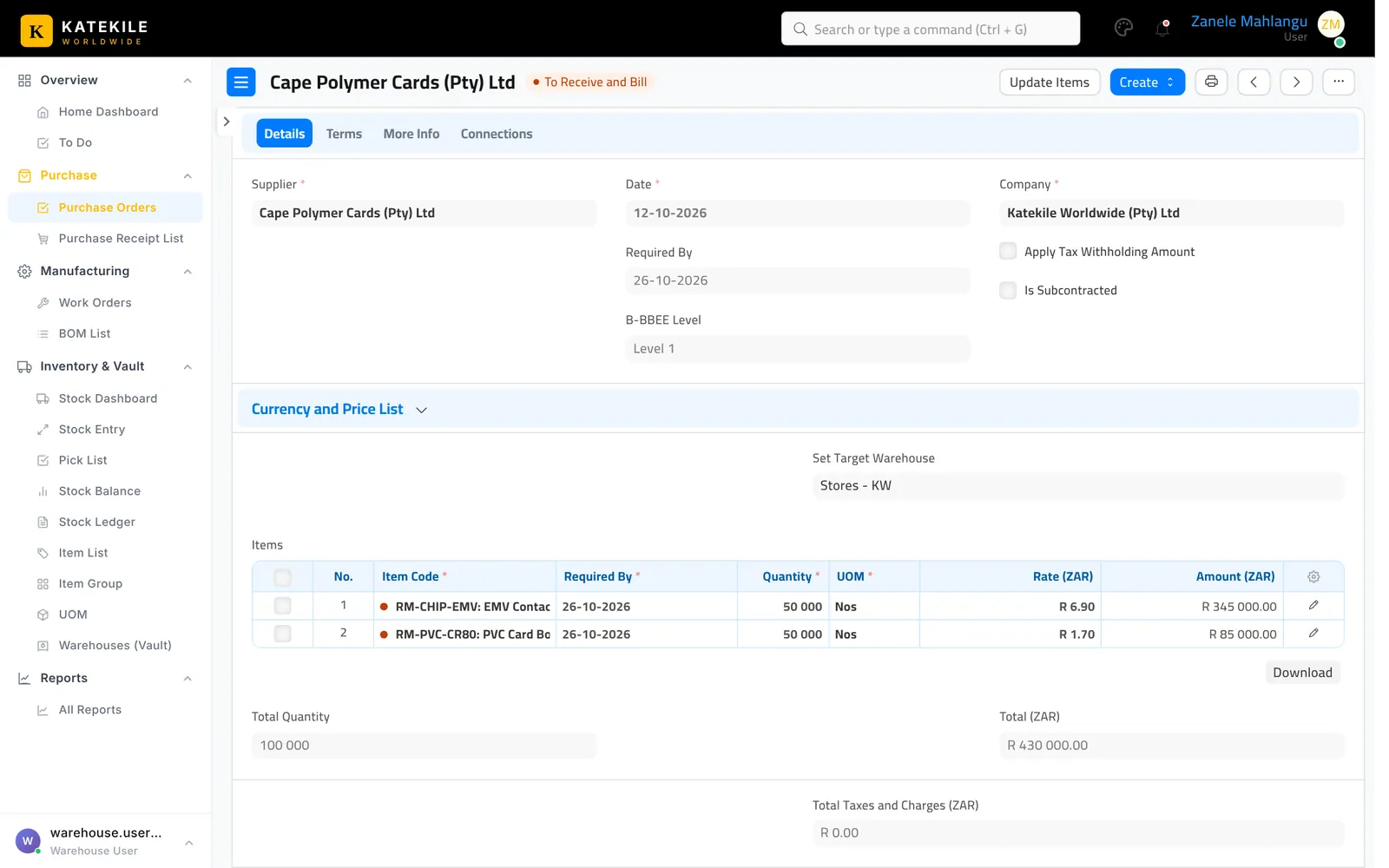
- Check the Accepted Warehouse (e.g. Stores – KW) and, for rejects, the Rejected Warehouse.
- Enter the Accepted Quantity actually received and any Rejected Quantity. Note the supplier’s delivery note number in Supplier Delivery Note.
- Save.
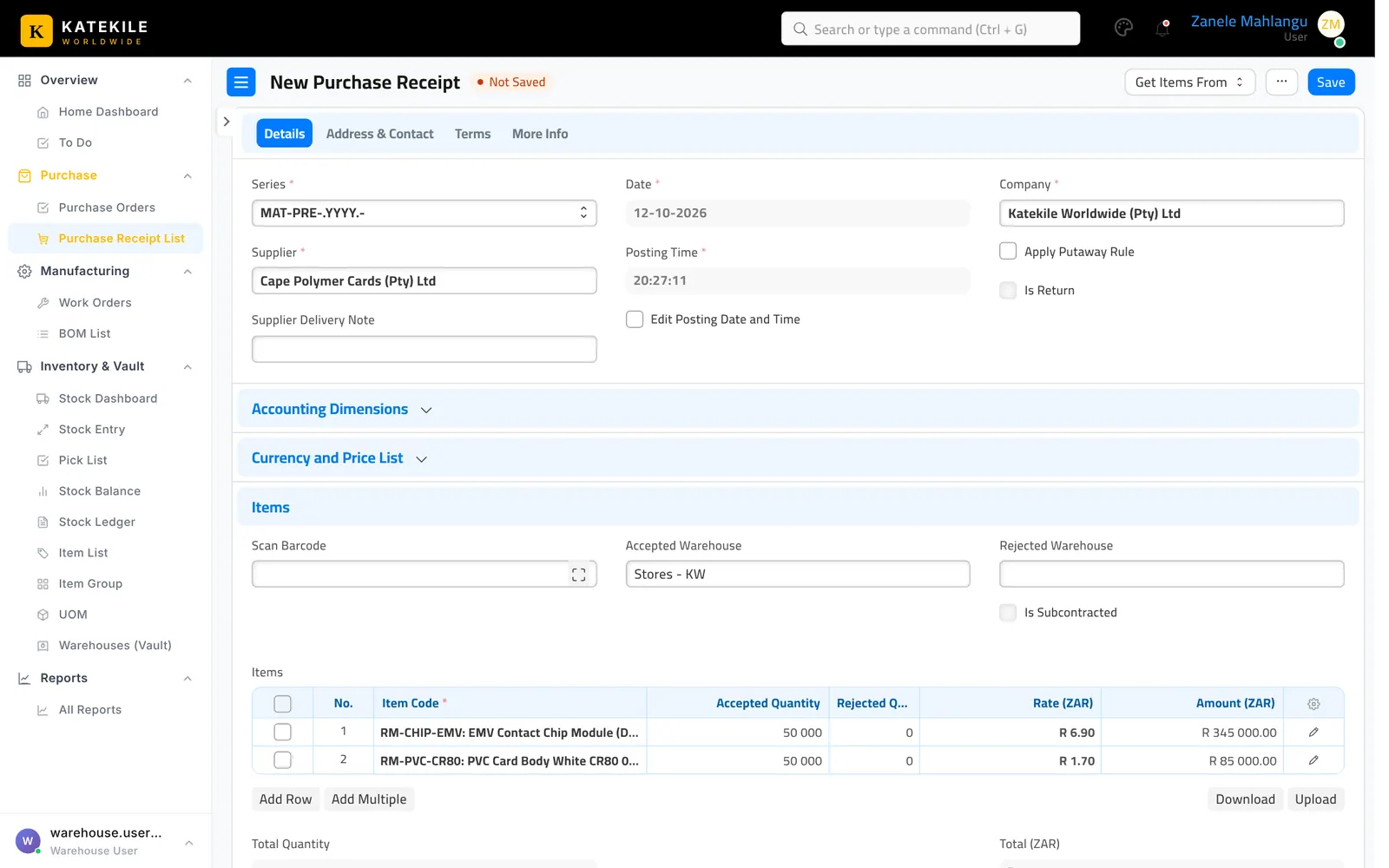
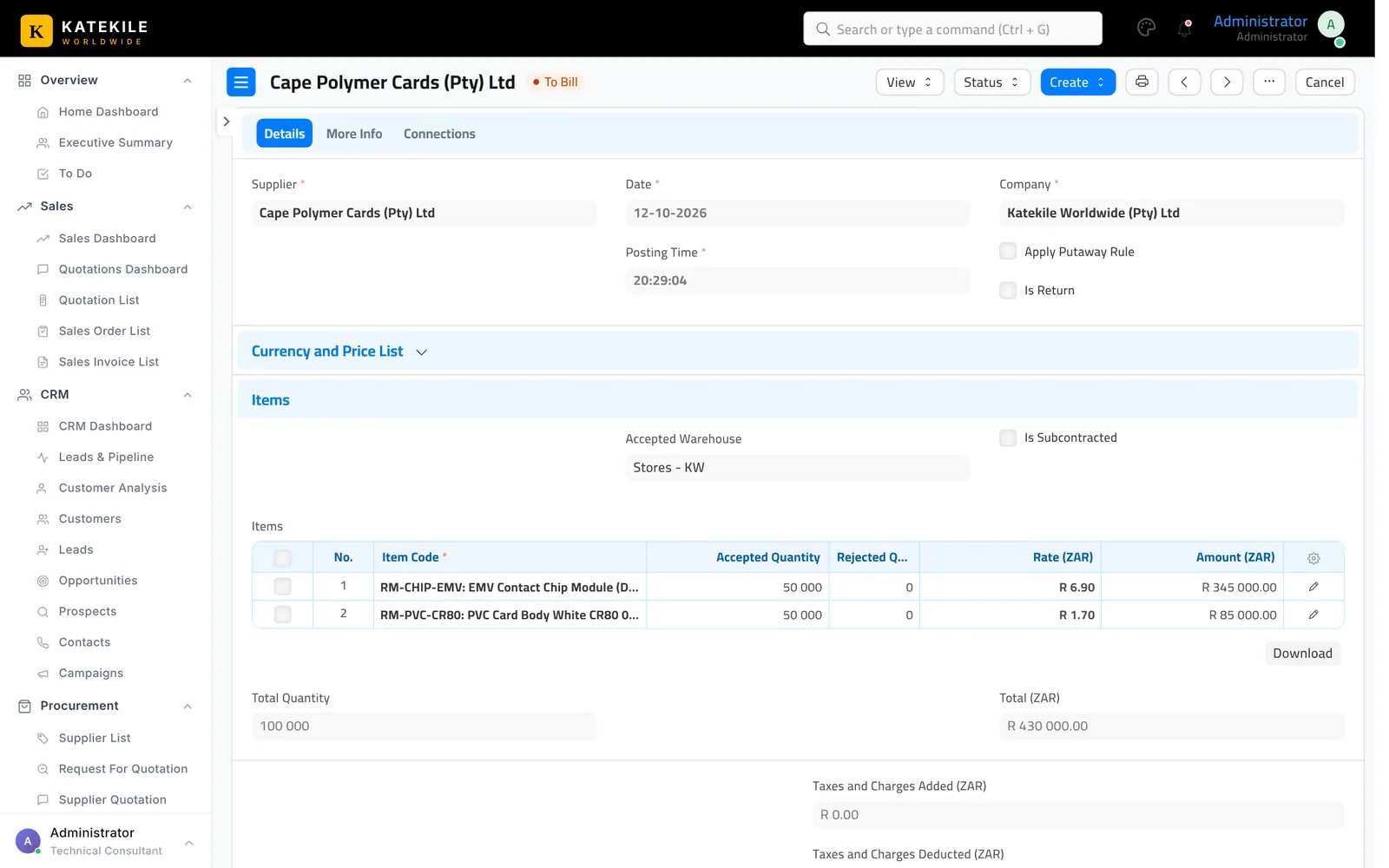
- Submit the receipt to post the stock.
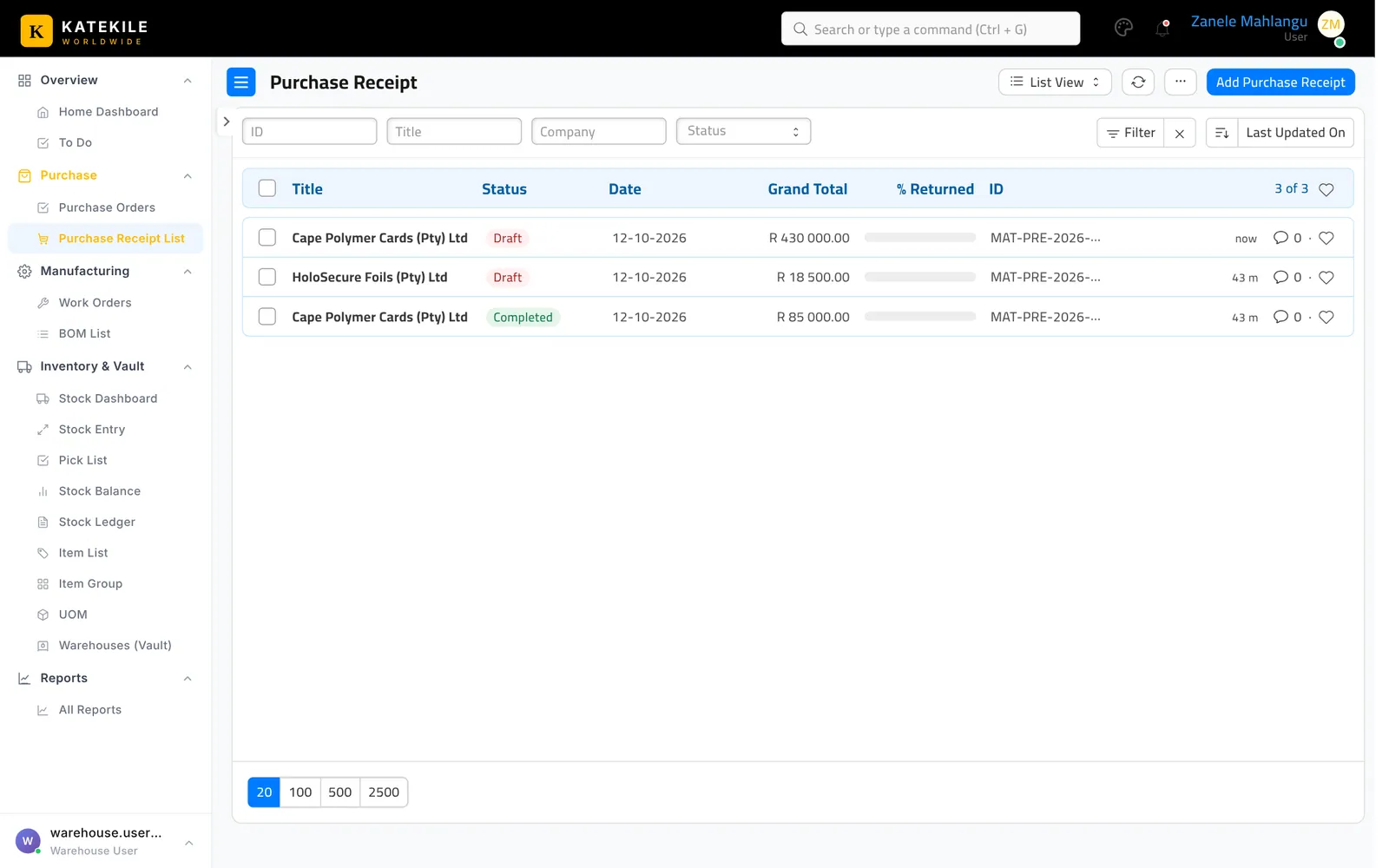
The receipt list
Who posts the GRN?
In the Katekile permission set the Warehouse User can create and save receipts, but none of the Katekile roles has Submit on Purchase Receipt. The receipt must be submitted by a user with stock-posting rights (for example a standard Stock User/Manager or a System Manager). Agree internally who does this and give that person the role.
Last updated October 16, 2026