Request for Quotation (RFQ)
Ask several approved suppliers to quote for the same items.
Used byProcurement
Who: Procurement Team. Menu: Procurement → Request For Quotation.
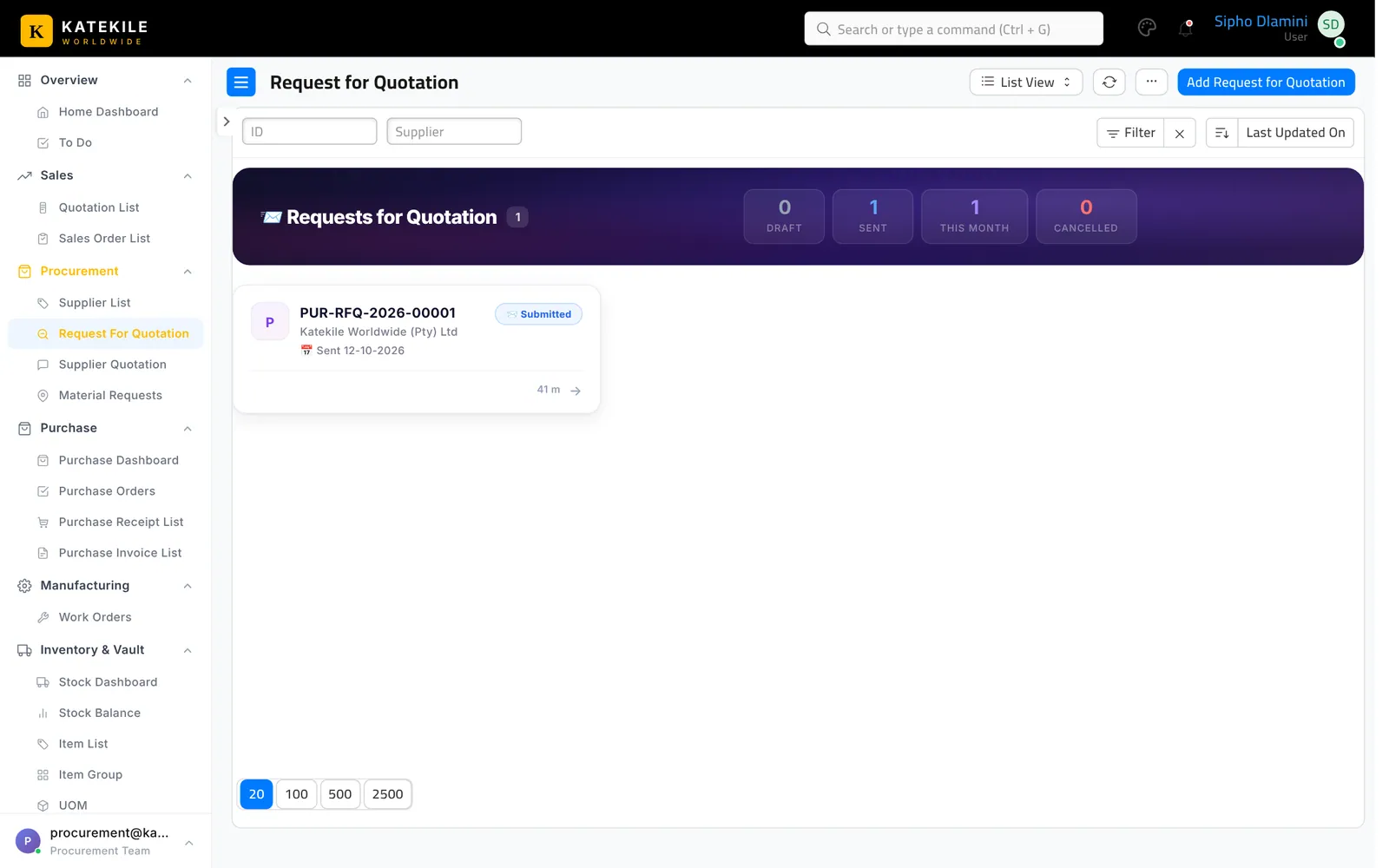
Create and send
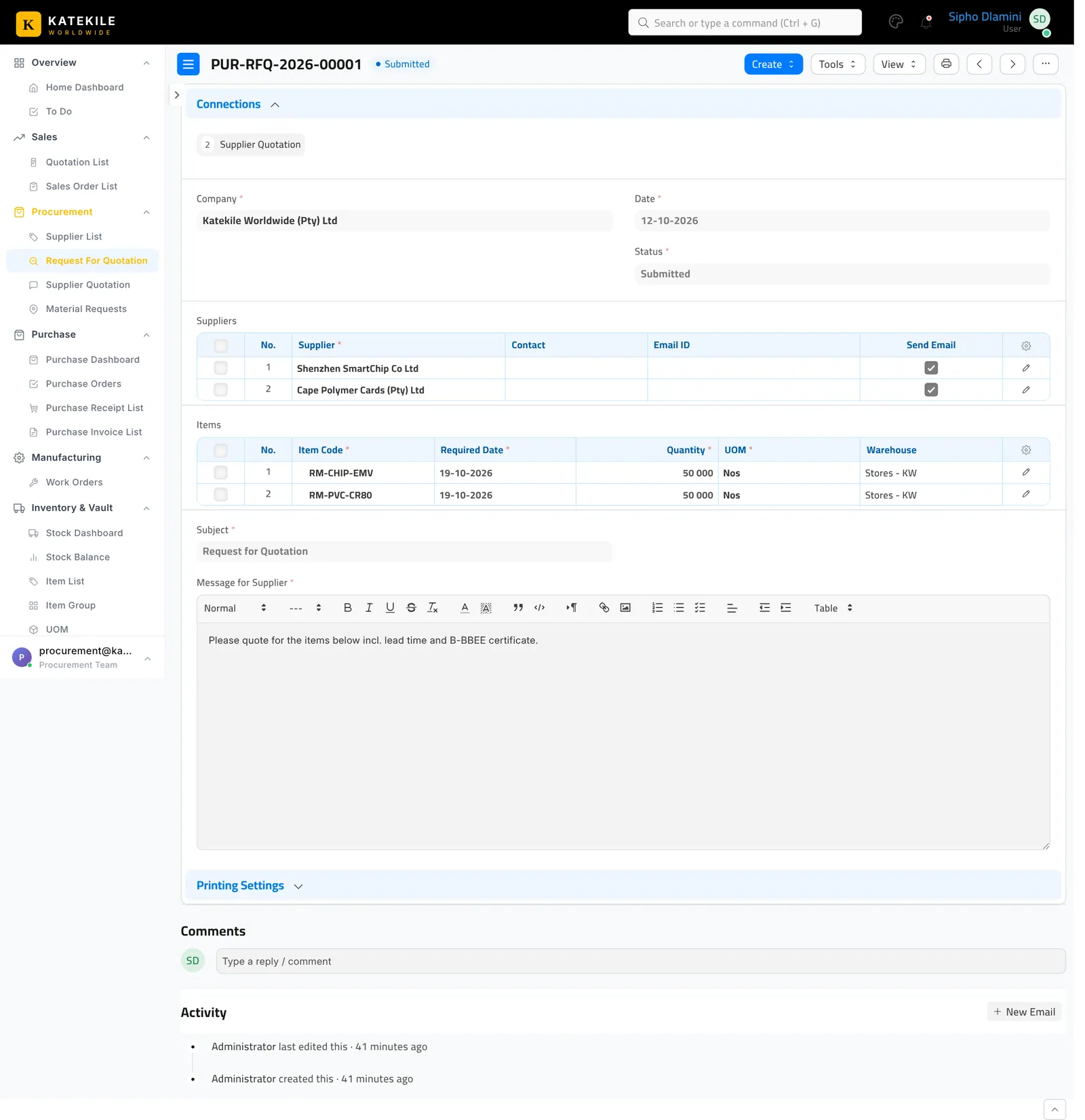
- Add Request for Quotation (or Create → Request for Quotation from a Material Request).
- Add the Suppliers to invite.
- Add the Items, quantities and required-by dates.
- Edit the Message for Supplier — ask for lead time and a current B-BBEE certificate.
- Save and Submit (see the note below). Use Send Supplier Emails to email the suppliers.
Submitting needs an extra role
The Katekile roles can create and save this document but none of them has Submit on it. Submission is done by a user with the standard Purchase User or Purchase Manager role. Until it is submitted, the next document cannot be created from it.
Last updated October 16, 2026