Sales Invoices
Invoice delivered cards from the Delivery Note and post the invoice.
Used byFinance UserFinance Mgr
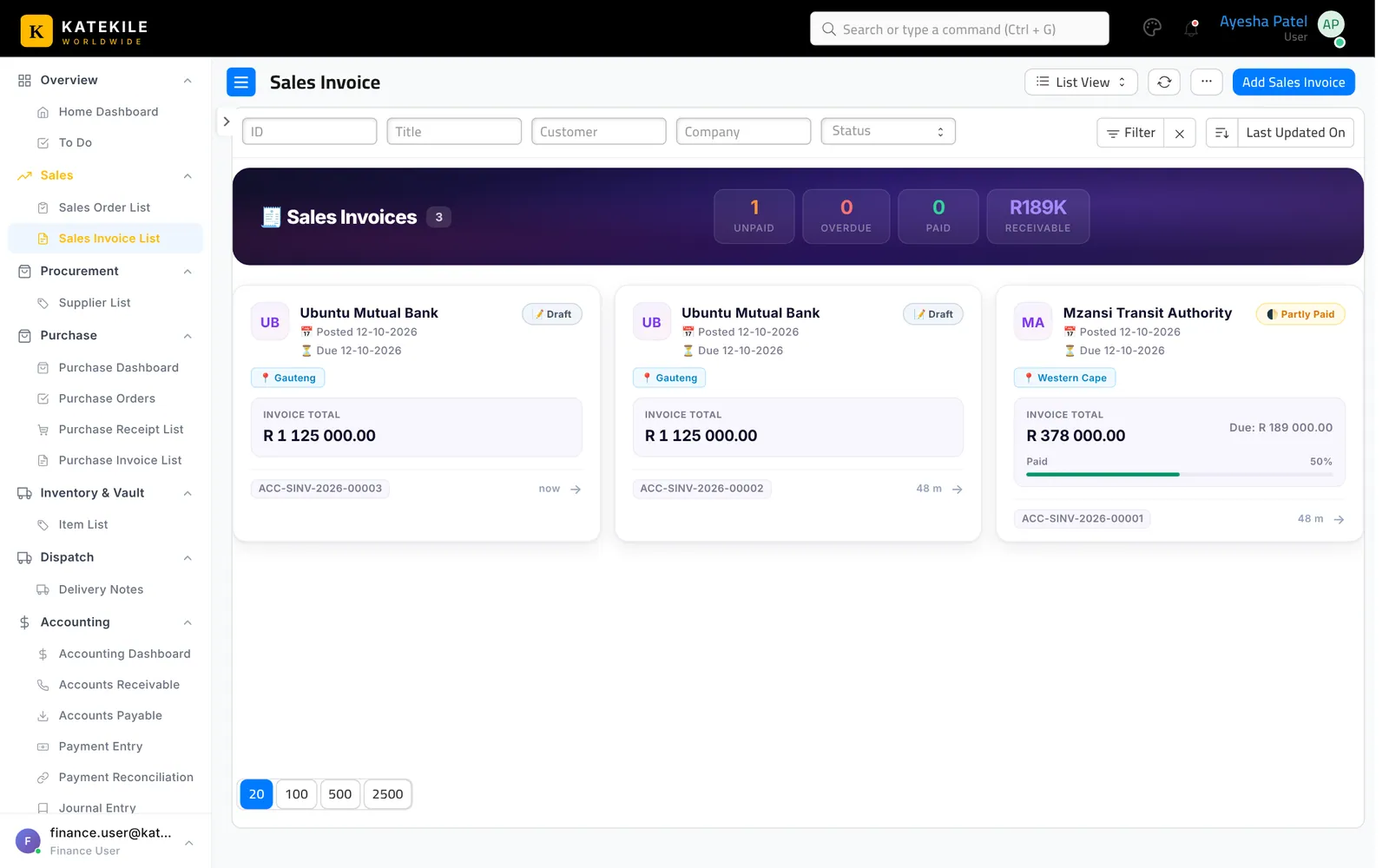
Menu: Sales → Sales Invoice List.
Create (Finance User)
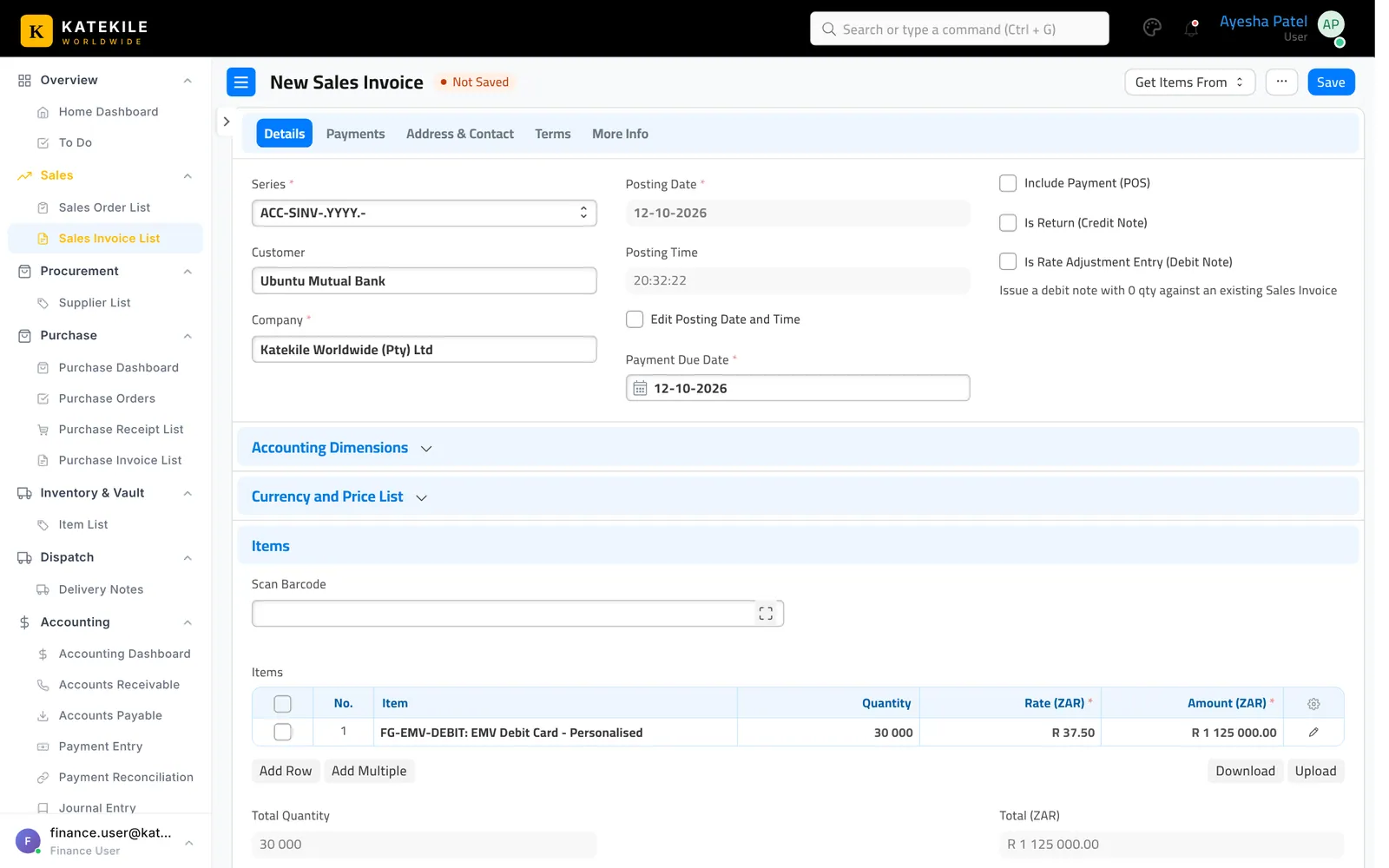
- Open the submitted Delivery Note and click Create → Sales Invoice (or create from the Sales Order).
- Check the customer, items, rates and taxes. Tick Is Zero Rated on zero-rated lines.
- Save. The invoice waits as a draft — it also appears in the Finance Manager’s Drafts & Pending on the Home Dashboard.
Review and submit
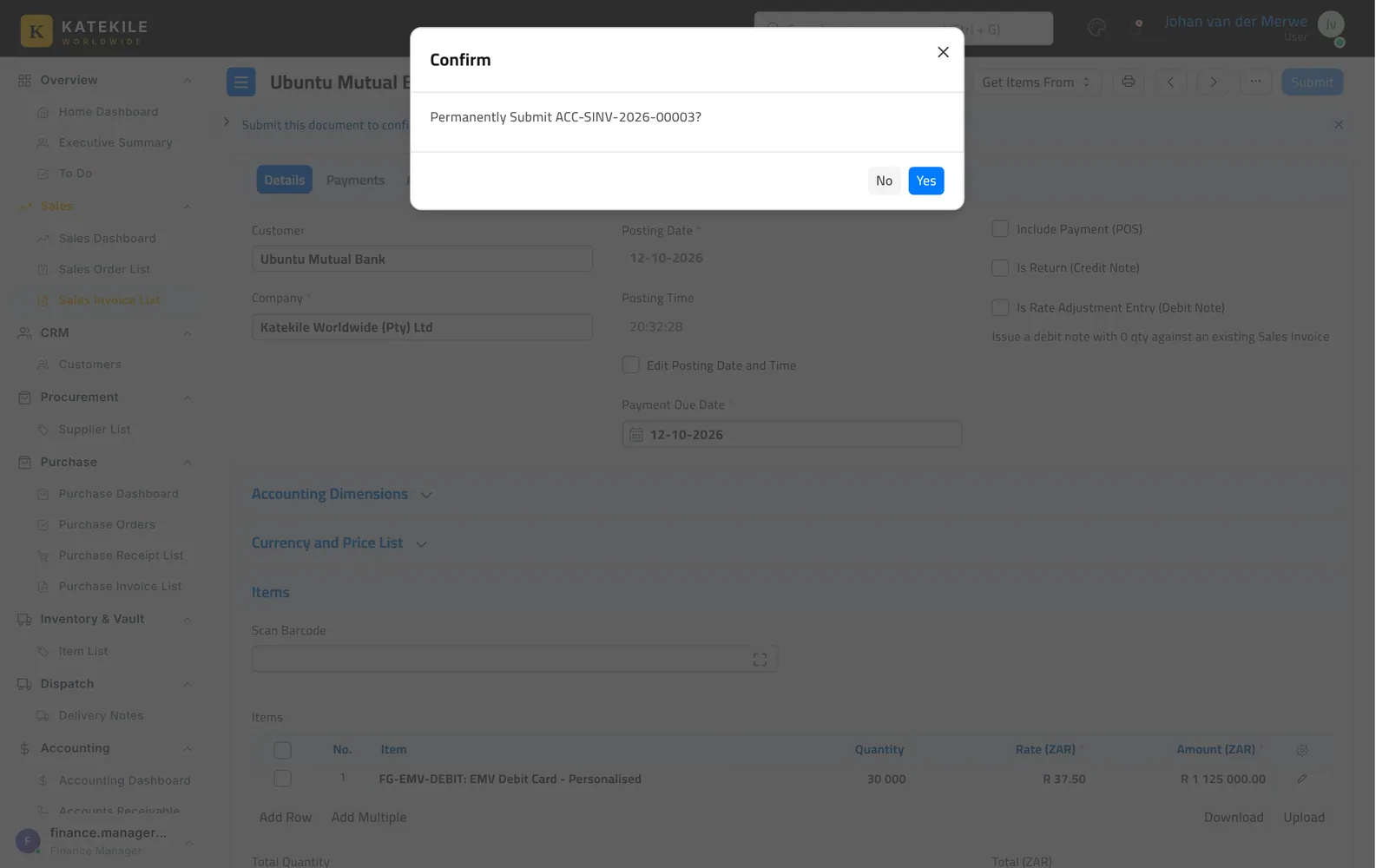
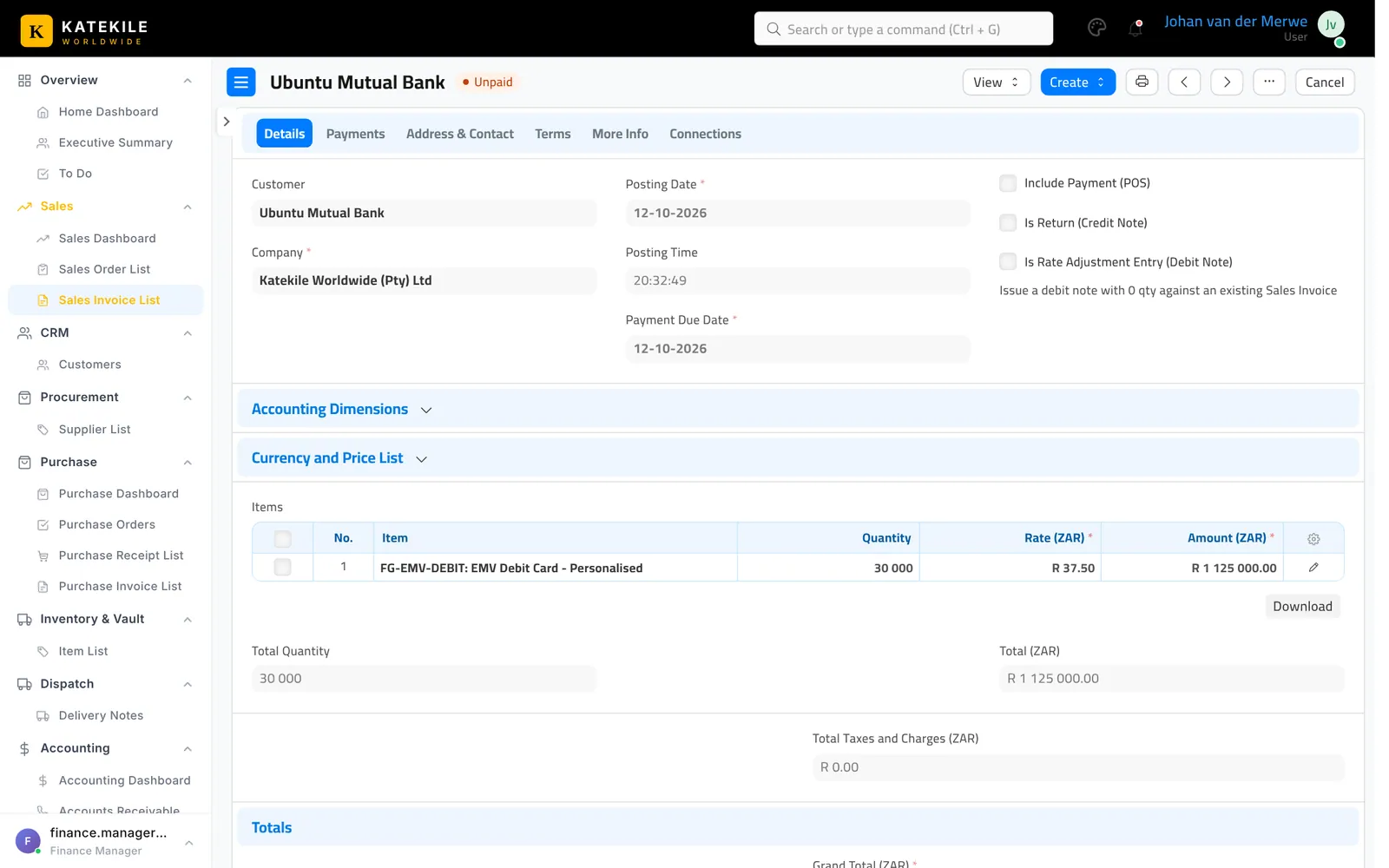
The Finance Manager (or the Finance User, if that is your internal rule) reviews the draft and clicks Submit. The invoice posts to the ledger and becomes Unpaid.
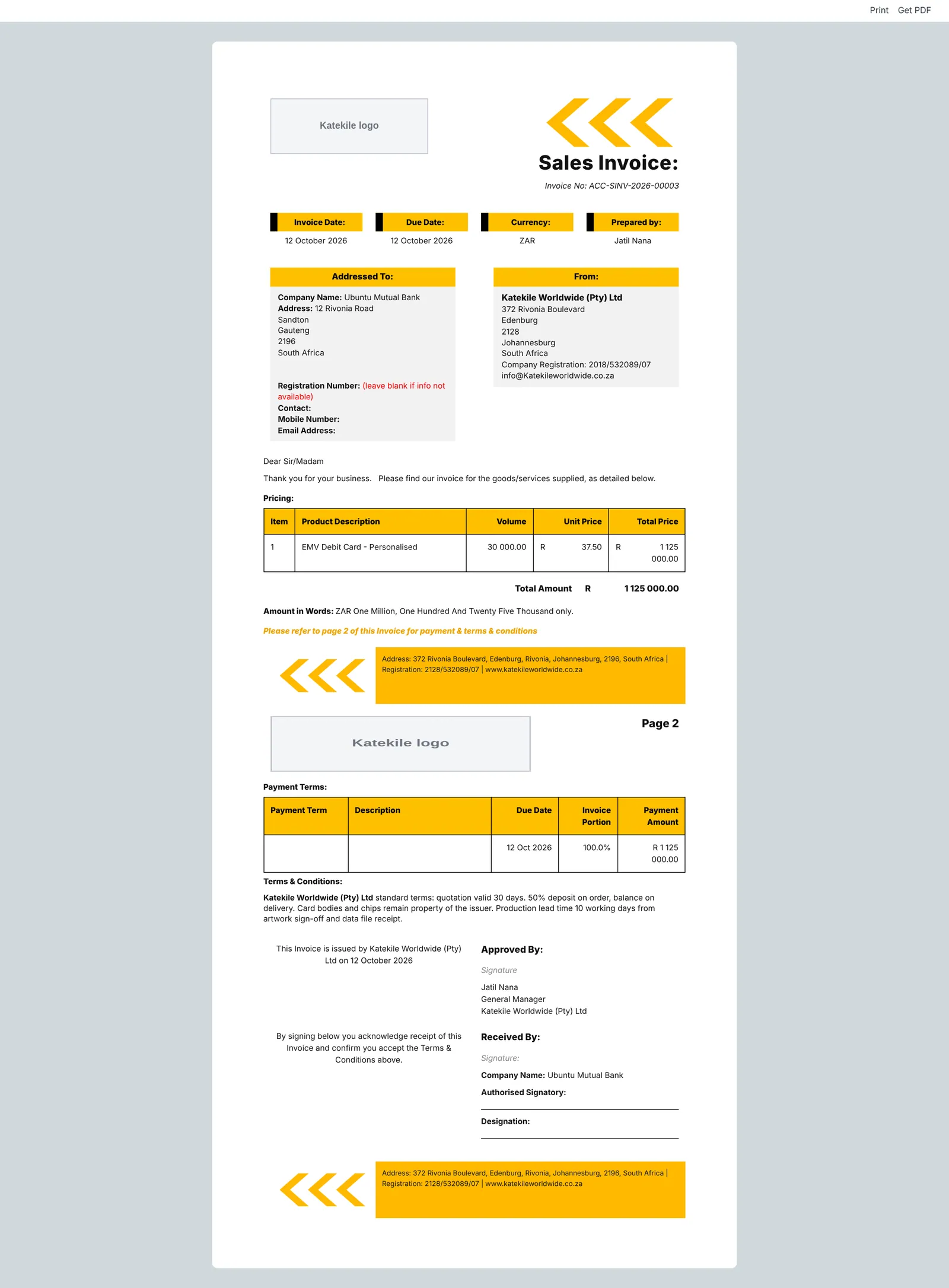
The default print format is Katekile Sales Invoice Format.
The invoice list
To cancel a submitted invoice (only the Finance Manager has Cancel), use Cancel, then Amend to correct it.
Last updated October 16, 2026