Theme & Branding
The Katekile theme — colours, fonts, logos, login page and side-menu options.
Search Theme Settings.
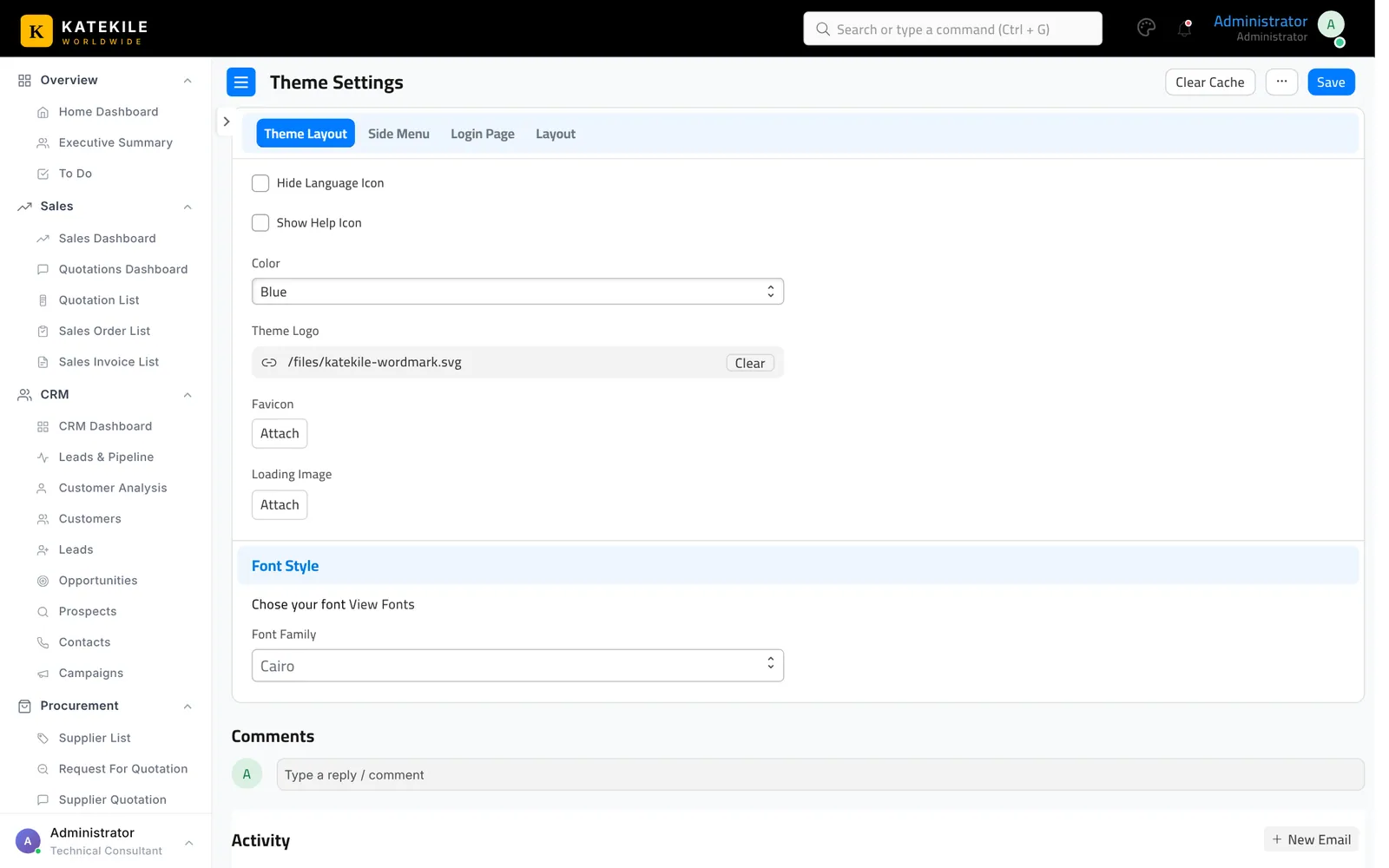
| Tab | Options |
|---|---|
| Main | Dark view, theme colour (Blue, Green, Red, Orange, Yellow, Pink, Violet). |
| Login Page | Background type (single photo or slideshow), background photo, slideshow images, full-page / transparent background. |
| Side Menu | Show icon labels, hide tooltips, loading image. |
| Theme Layout | Always close sub-menus, menu opening type (Workspace / Dashboard), hide language icon, show help icon, font family, open workspace on mobile menu, login page logo and theme logo. |
| Layout | Apply colour and background on menu, dashboard, workspace and navbar; favicon. |
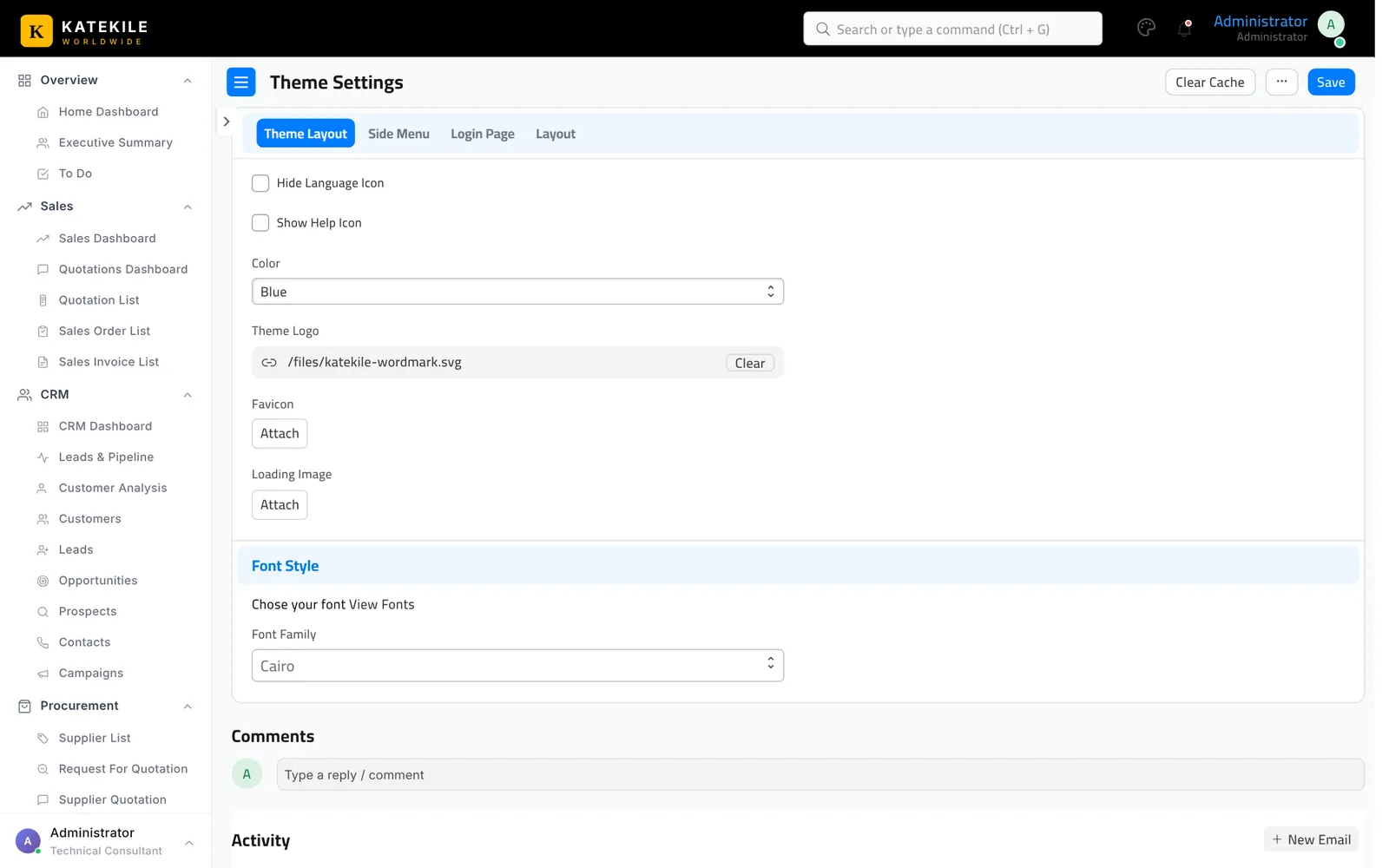
The role-based sidebar itself (which menus each role sees) is defined in the theme app’s os_sidebar.js; changing it needs a developer and a bench build.
The sign-in page text, colours (black and Katekile gold) and the logo shown on it are part of the theme app’s login.html.
Last updated October 16, 2026