Prospects
Group leads and opportunities that belong to one target organisation.
Used bySales MgrCSR
A Prospect represents a target organisation (for example Imali Digital Bank) and gathers its leads and opportunities in one place.
Who: Katekile Sales Manager (create, edit), Customer Service Rep (edit). Menu: CRM → Prospects.
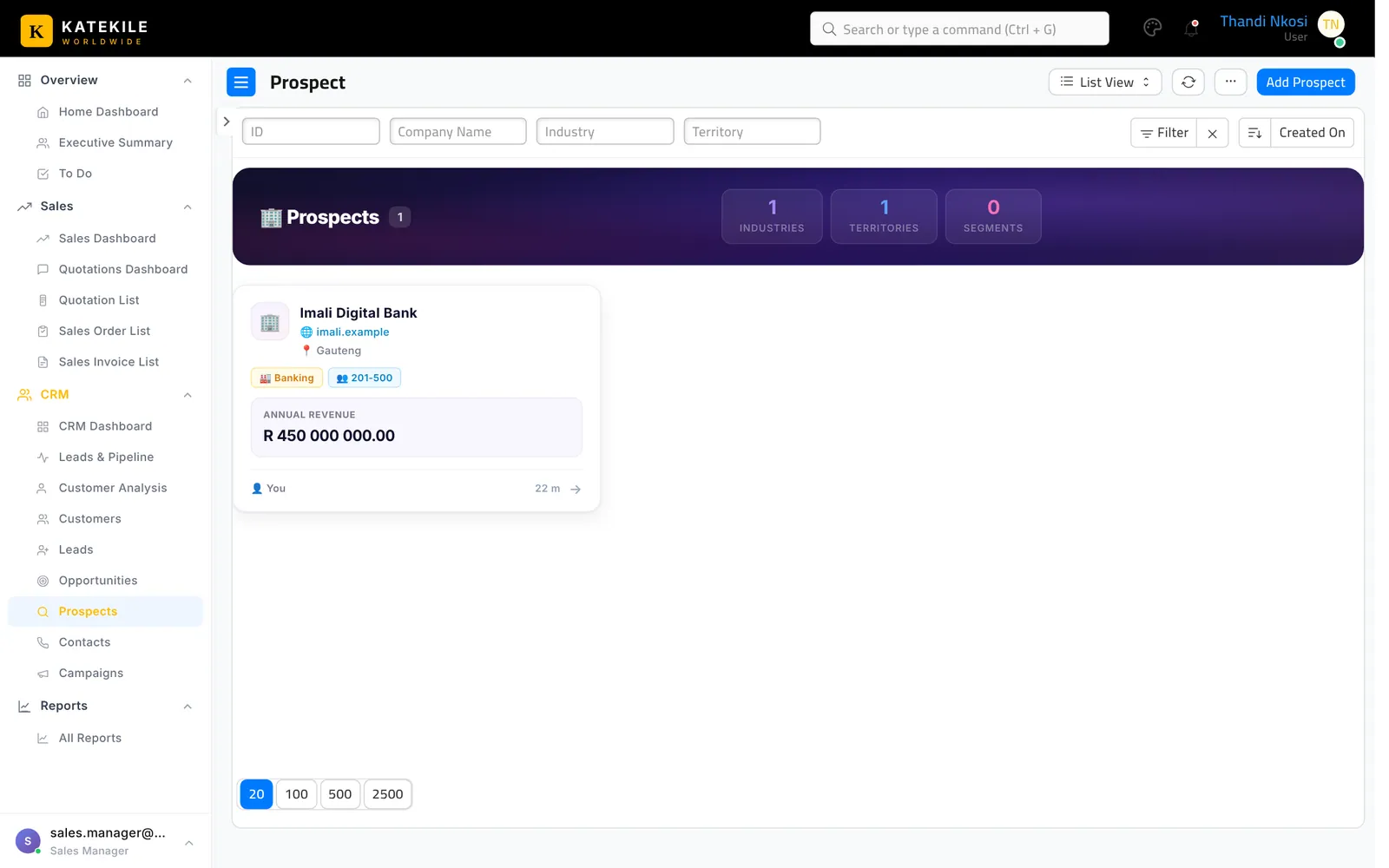
Create or update a prospect
- CRM → Prospects → Add Prospect (or Create → Prospect from a lead).
- Fill Company Name, Industry, Market Segment, Territory, Annual Revenue, No. of Employees, Website and the Katekile Company that will sell to them.
- Set the Prospect Owner and save.
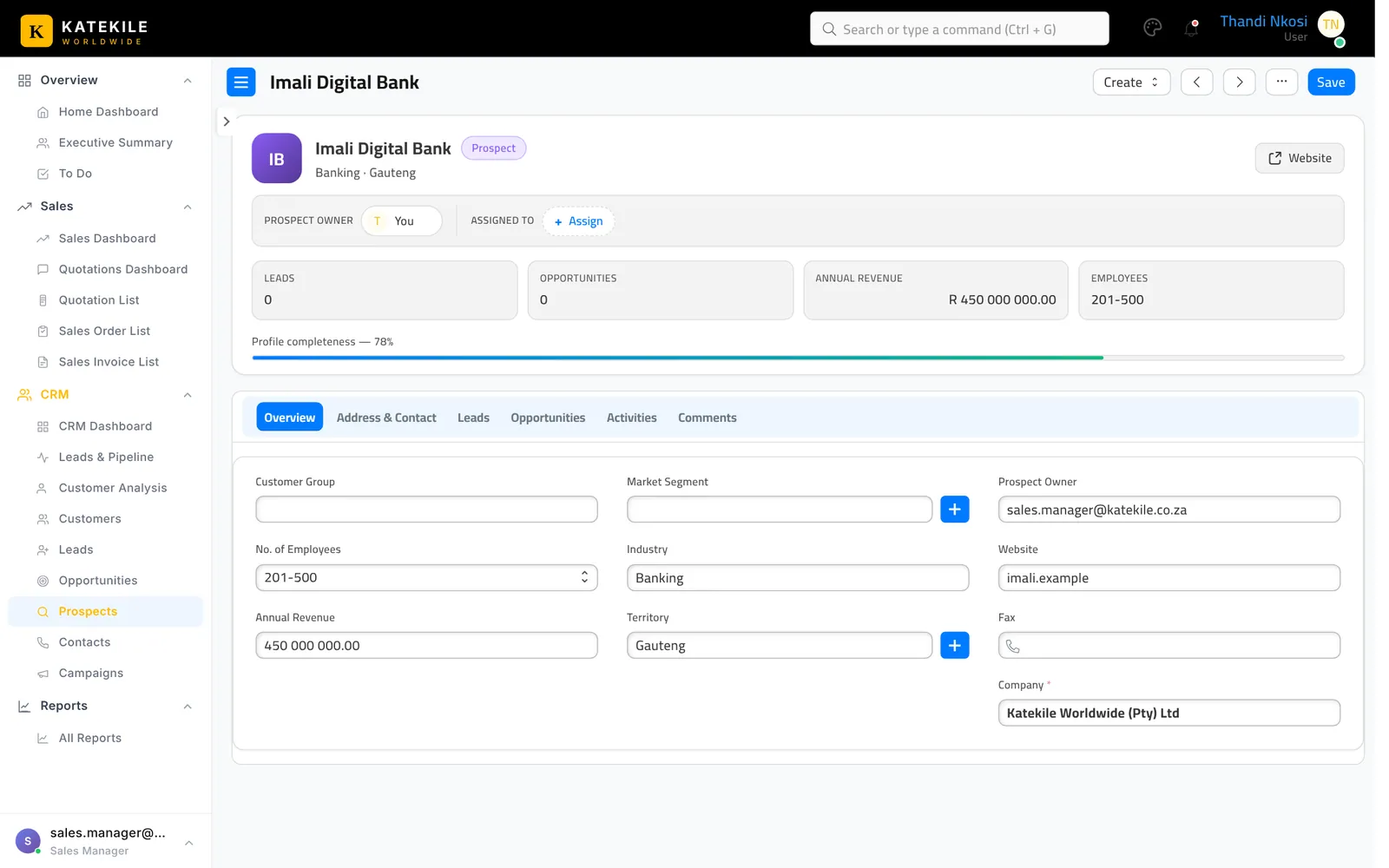
The tabs Leads and Opportunities list everything linked to the prospect; Activities and Comments keep the history.
Last updated October 16, 2026