Bills of Materials & Routing
The materials and operations for each personalised card product.
Used byProd. MgrWhse User
A BOM defines what goes into one finished card and which operations it passes through.
Who: Production Manager and Warehouse User read. Menu: Manufacturing → BOM List.
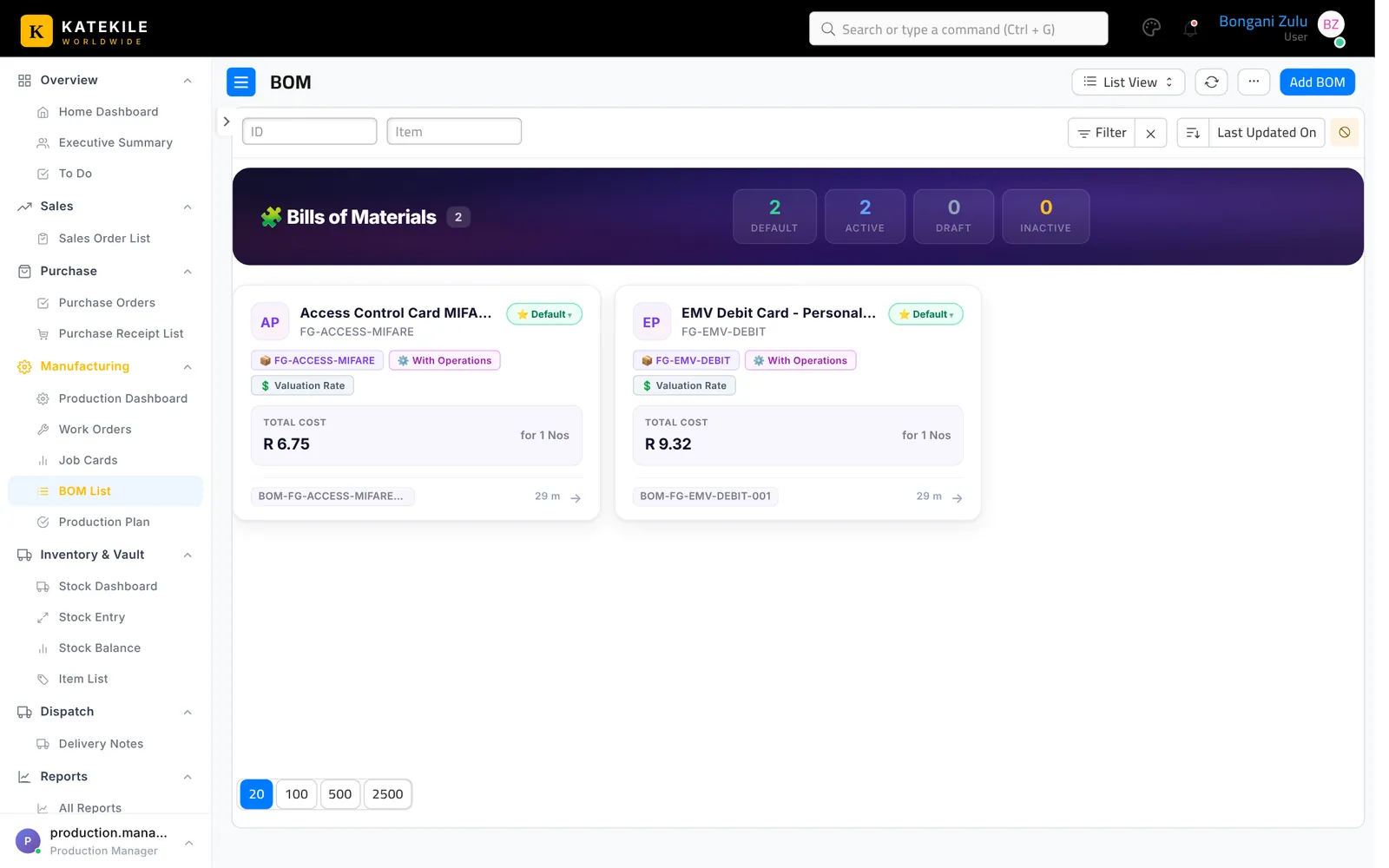
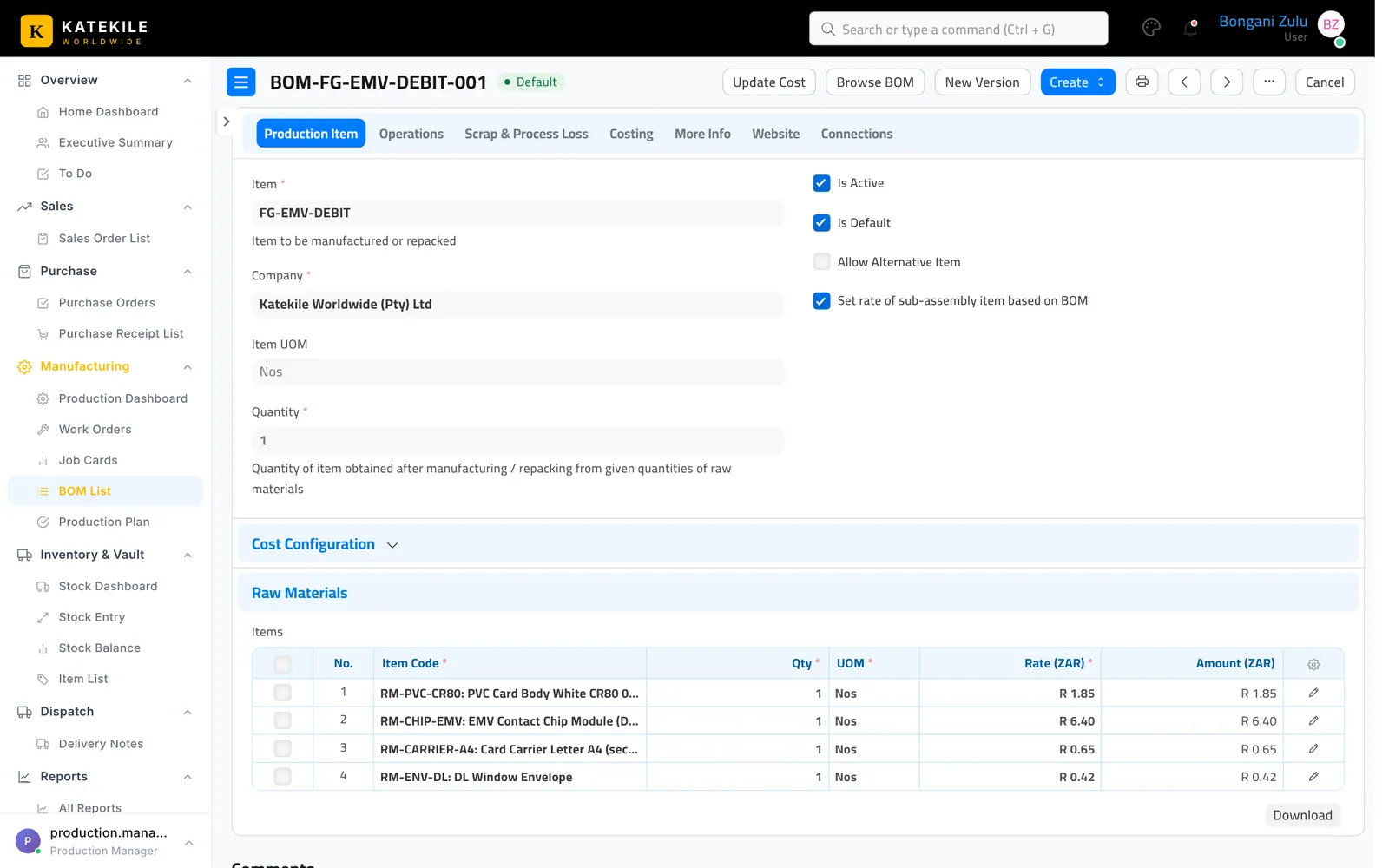
Operations and sequence IDs decide the step order on the shop floor. Set Sequence ID 1, 2, 3 … on each operation row.
Production Plan
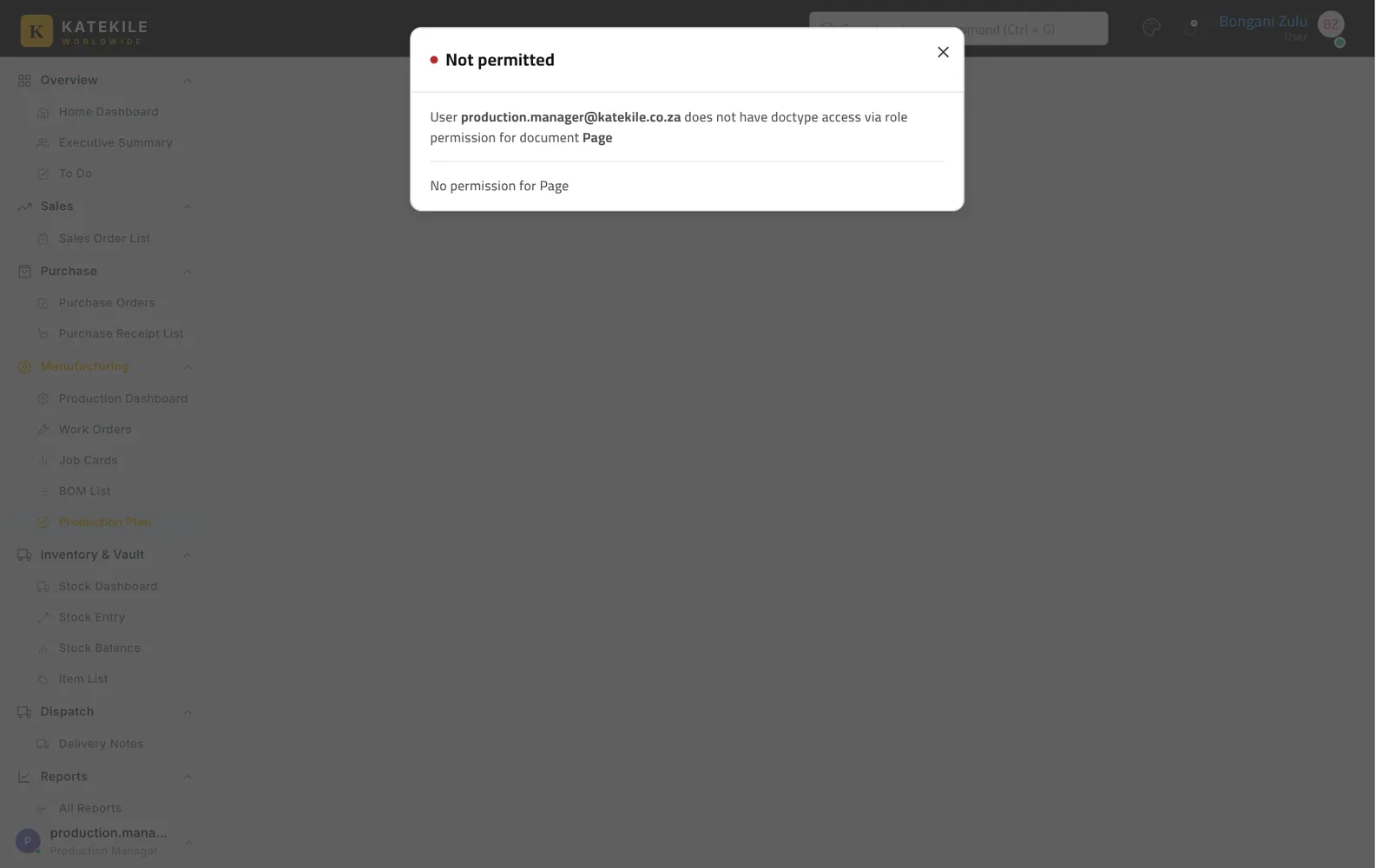
Users with the standard Manufacturing Manager/User role can plan several sales orders at once with Manufacturing → Production Plan (it is in the Production Manager’s menu, but the Katekile role alone has no access to it), which creates work orders and material requests.
Last updated October 16, 2026