Email Notifications
Every automatic email Katekile ERP sends, who receives it and what it looks like.
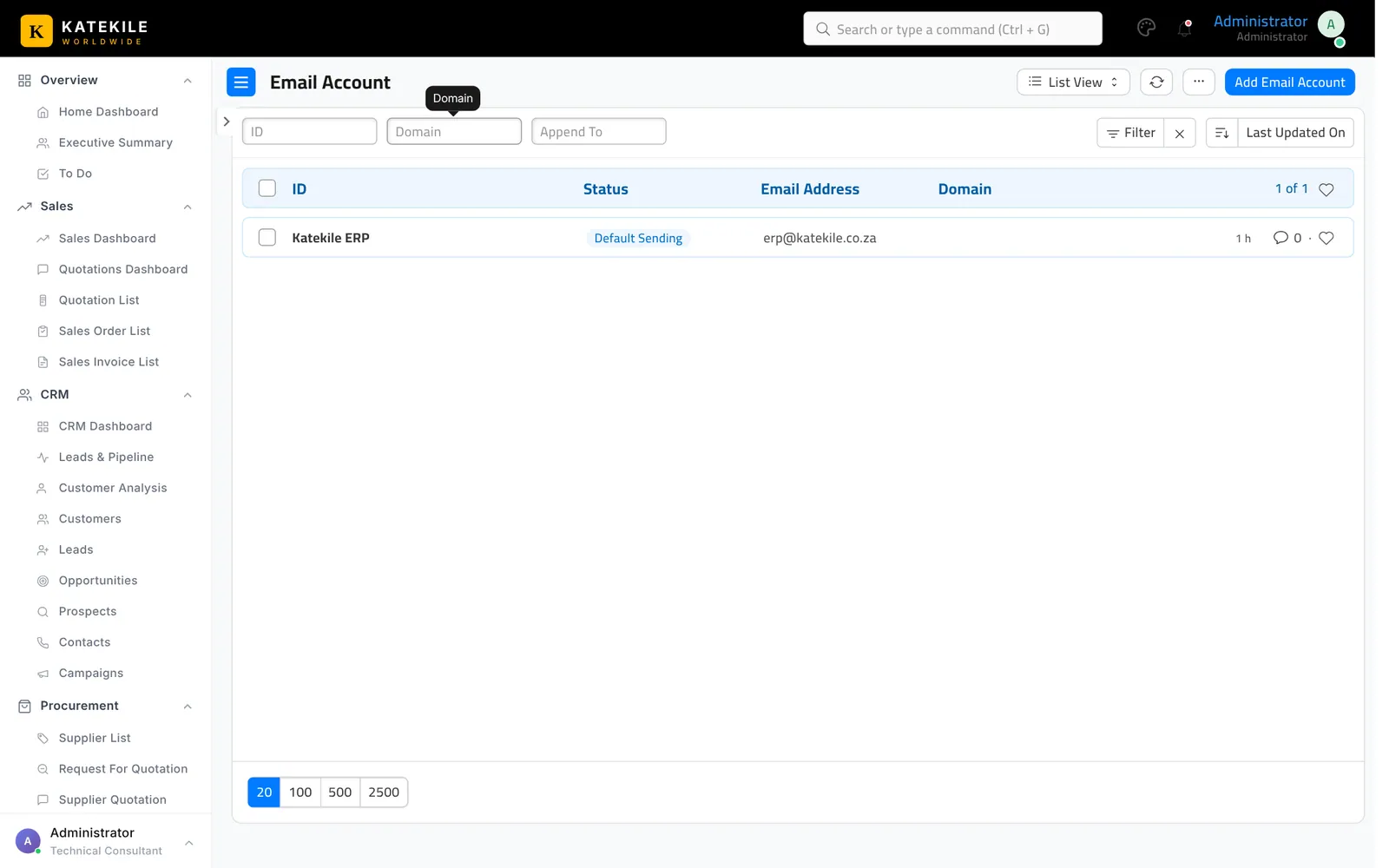
Katekile ERP sends branded HTML emails automatically. They are sent through the default outgoing Email Account, so that must be configured and working.
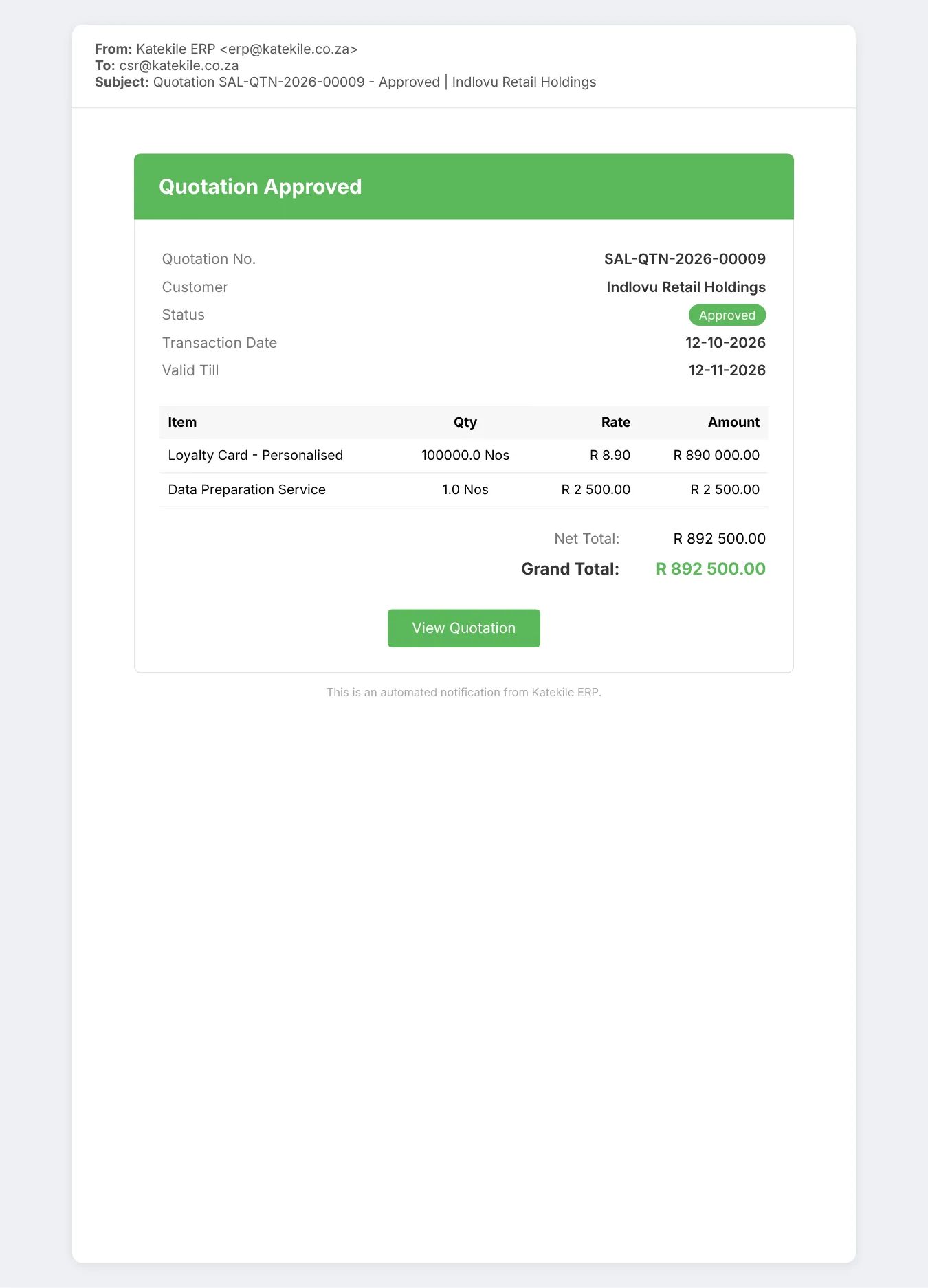
Quotation workflow
| When the quotation moves to | Emailed to |
|---|---|
| Pending Approval | The Sales Manager named on the quotation |
| Need Improvements | The quotation Owner (Customer Service Rep) |
| Approved | Owner and Sales Manager — with the quotation PDF attached |
| Lost | Owner and Sales Manager |
| Cancelled | Owner and Sales Manager |
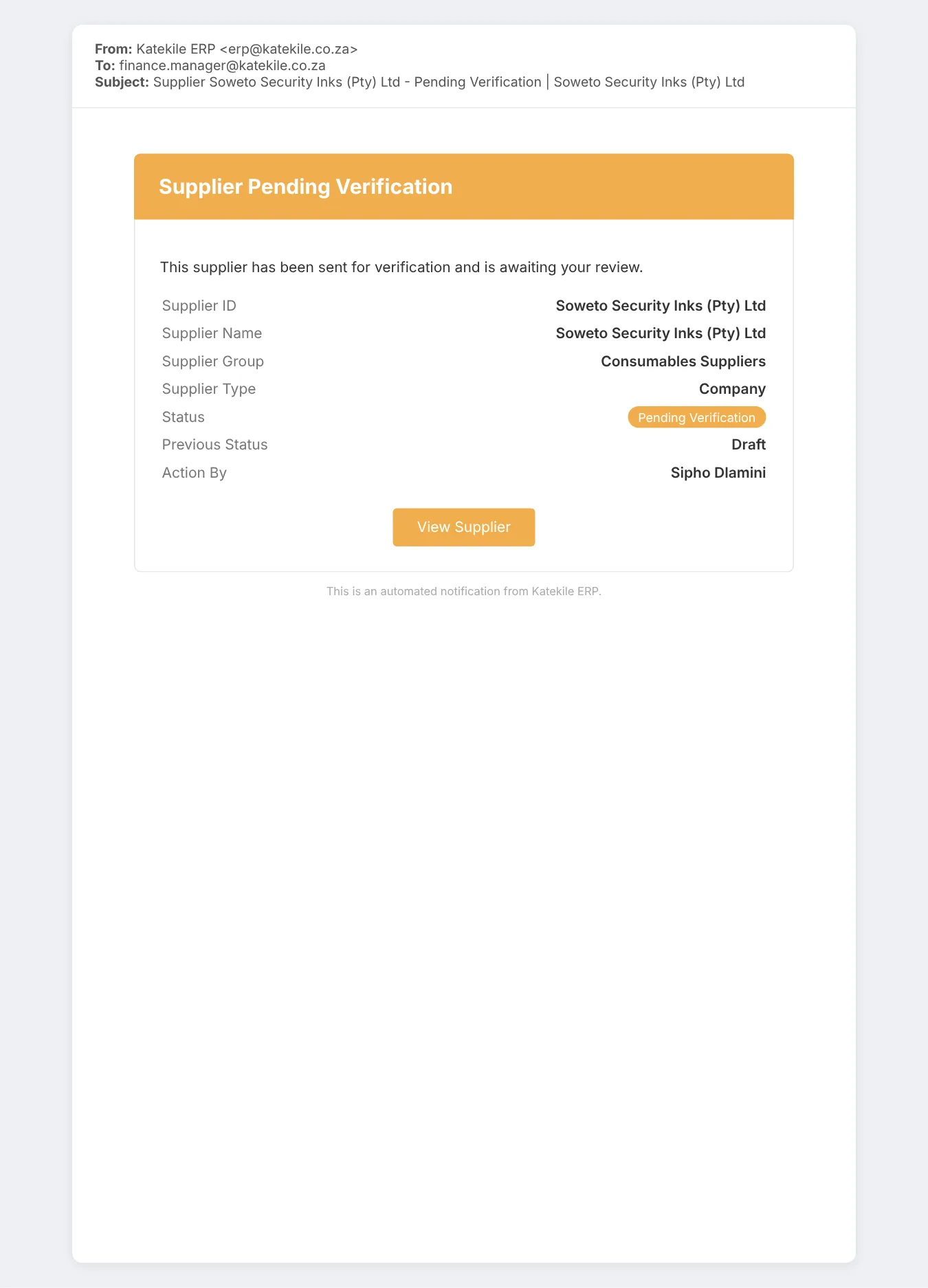
Supplier workflow
| When the supplier moves to | Emailed to |
|---|---|
| Pending Verification | All Katekile Finance Managers + the supplier’s creator |
| Approved | Procurement Team + Finance Managers + creator |
| Not Compliant | Procurement Team + creator |
| Expired/ Discrepancy | Procurement Team + creator |
| Compliance Hold | Procurement Team + Finance Managers + creator |
Lead assignment
When a Lead is assigned to someone, they get a Lead Assigned email with the lead’s name, company, contact details, status and source.
Where these are configured
The emails are Server Scripts (Supplier Email Function, Quotation Email Function, Lead Assign Email Function).
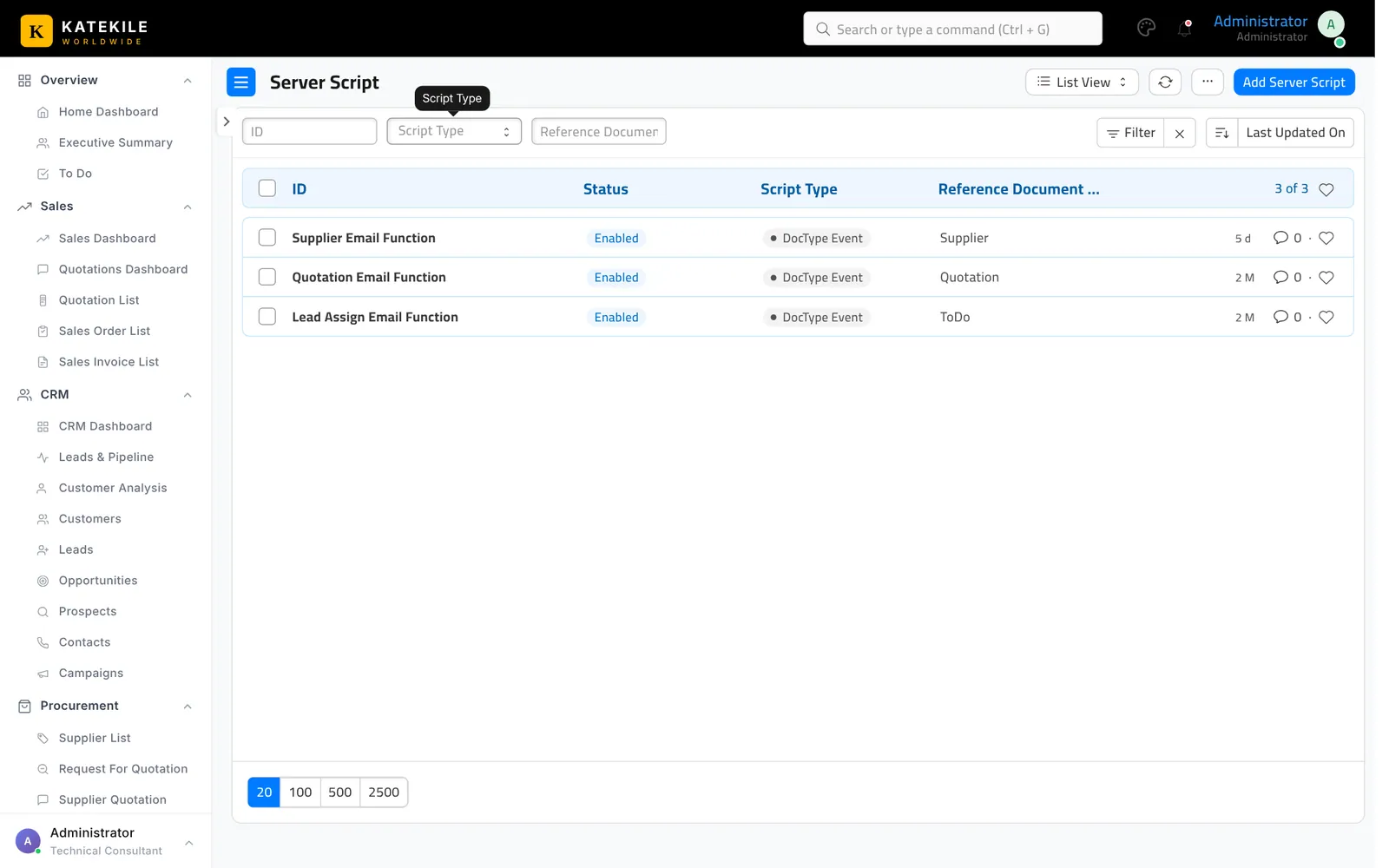
Server scripts must be enabled
On self-hosted benches run bench set-config -g server_script_enabled 1. Without it, saving a Quotation or Supplier fails with “Server Scripts are disabled”.
Last updated October 16, 2026