Managing Workflows
Where the three Katekile workflows live and how to change them safely.
Search Workflow.
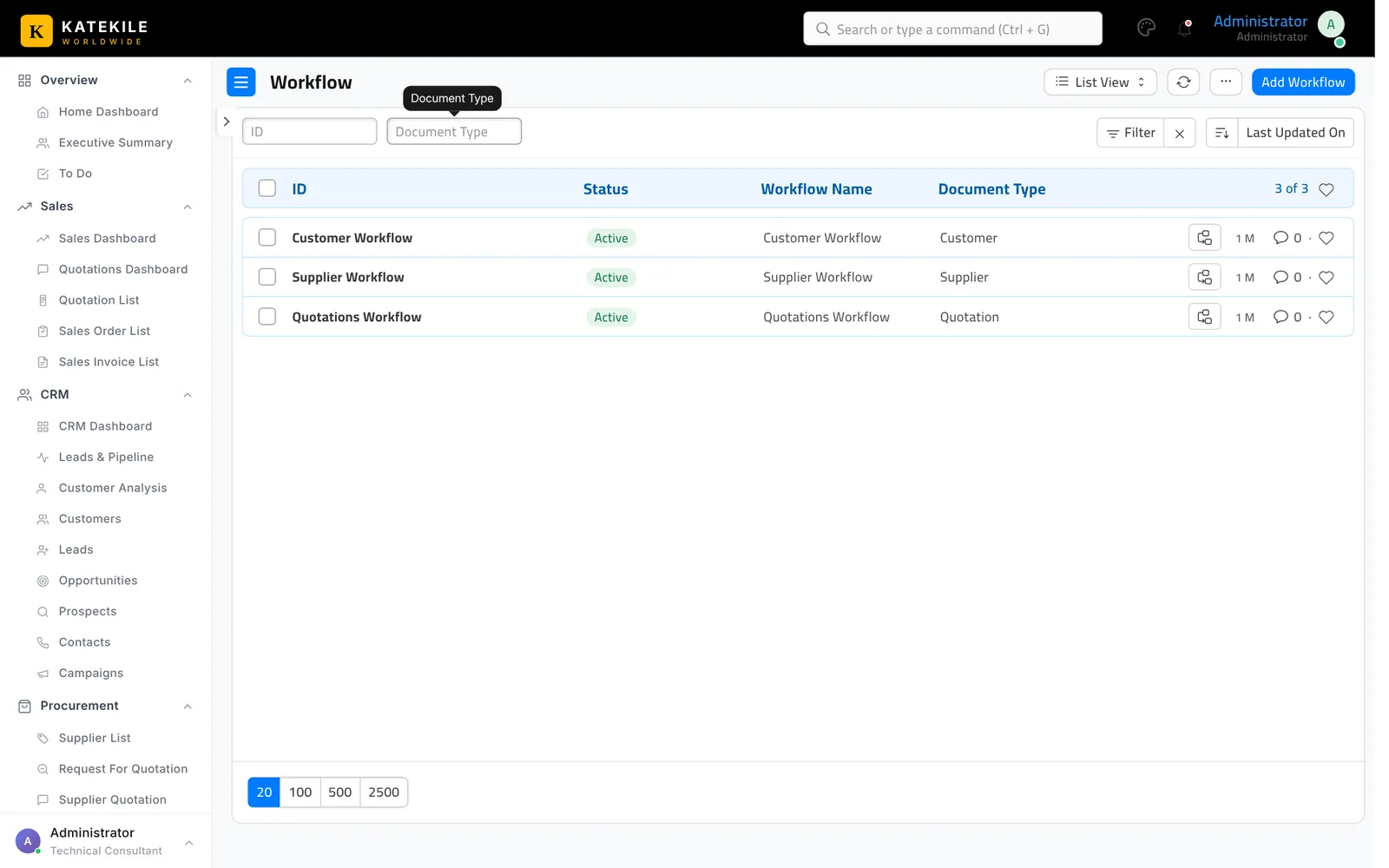
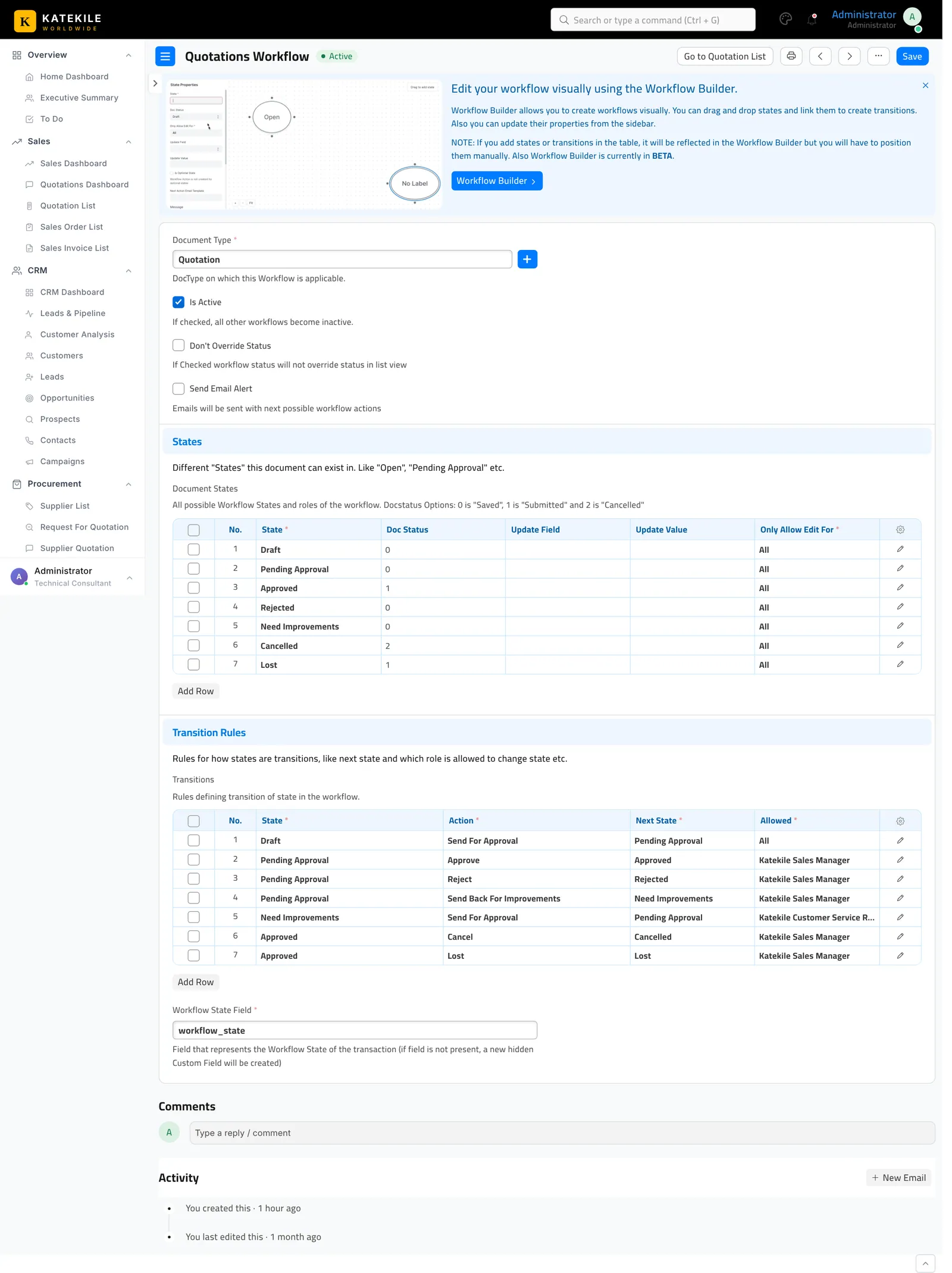
Each workflow has States (with the document status and which role may edit) and Transitions (state → action → next state, allowed role, optional condition). The Quotation transitions use conditions such as doc.sales_manager == frappe.session.user.
The pop-ups for notes (Improvements, Cancel Comment, Incomplete Data, Not Compliant, Expired/Discrepancy) are Client Scripts that hook into the workflow action names — if you rename an action, update the matching client script too.
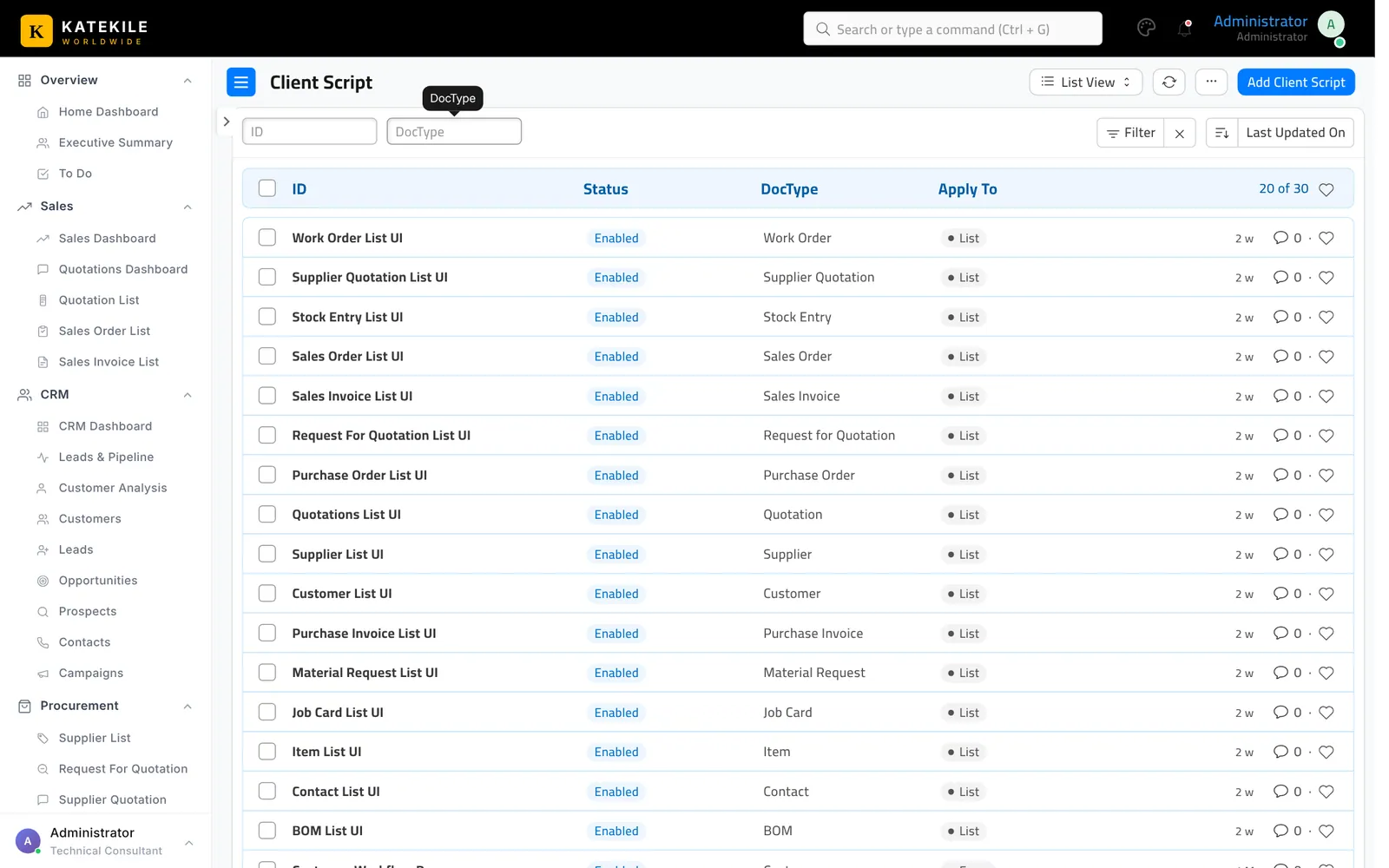
Workflows, client scripts, server scripts, custom fields and permissions are shipped as fixtures in the Katekile Worldwide app. Changes made in the UI will be overwritten the next time the app’s fixtures are synced (bench migrate) unless they are also exported back into the app.
Last updated October 16, 2026