Supplier Quotations & Comparison
Capture each supplier's prices and compare them before ordering.
Used byProcurement
Who: Procurement Team. Menu: Procurement → Supplier Quotation.
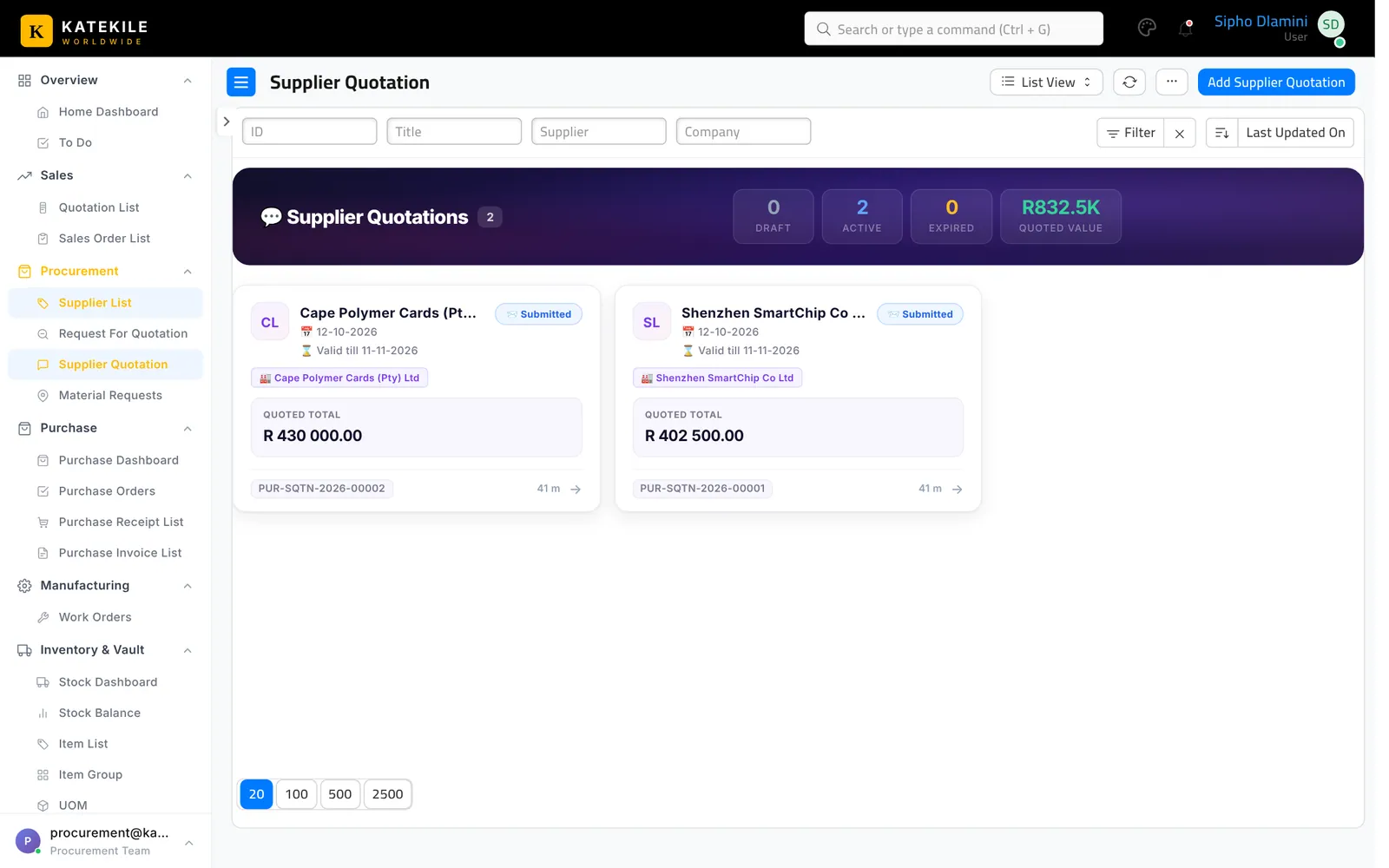
Capture a supplier quotation
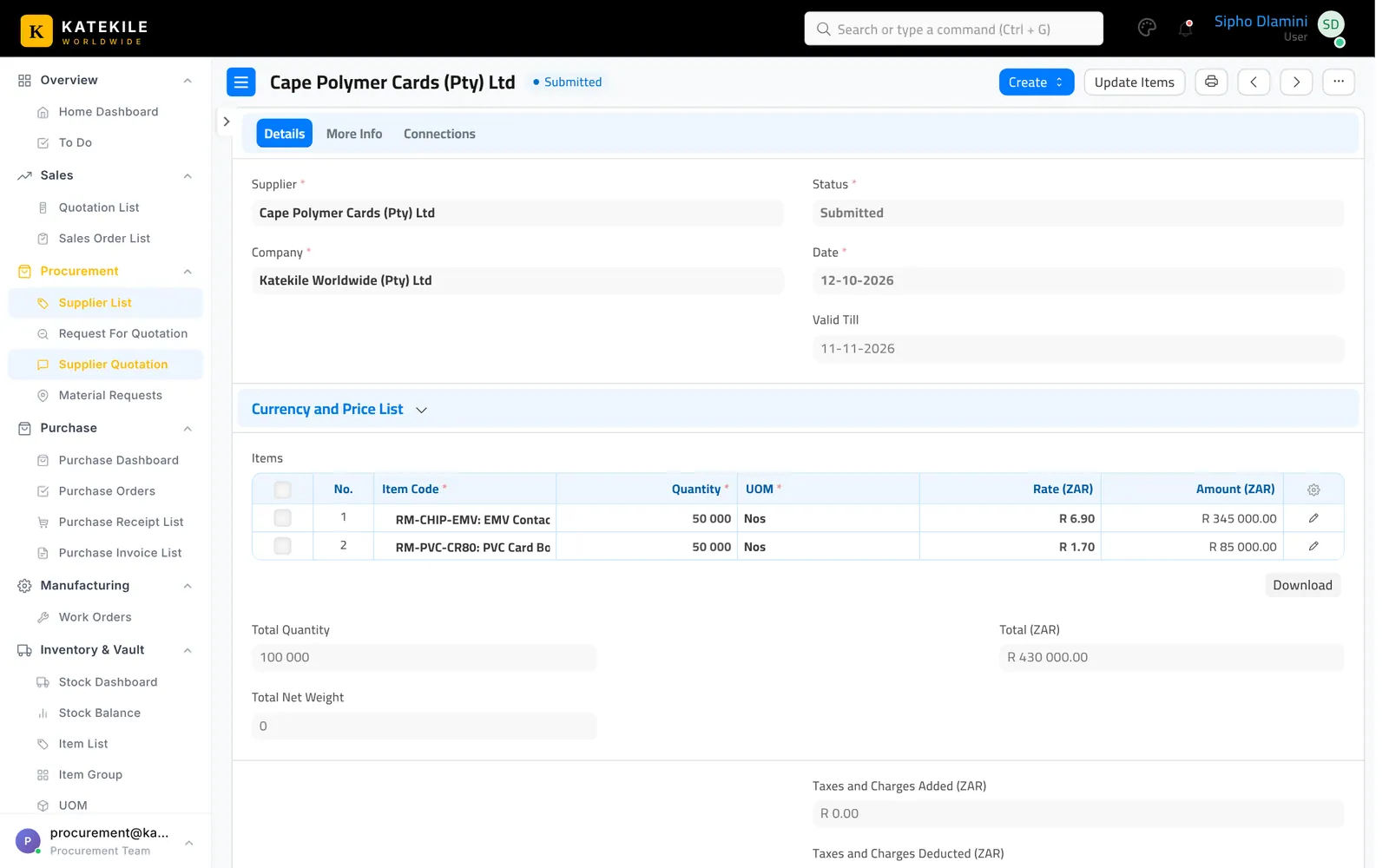
- From the RFQ use Create → Supplier Quotation, or Add Supplier Quotation.
- Choose the Supplier, enter the quoted Rate per item and Valid Till.
- Save and submit (see the note below).
Submitting needs an extra role
The Katekile roles can create and save this document but none of them has Submit on it. Submission is done by a user with the standard Purchase User or Purchase Manager role. Until it is submitted, the next document cannot be created from it.
Compare quotes
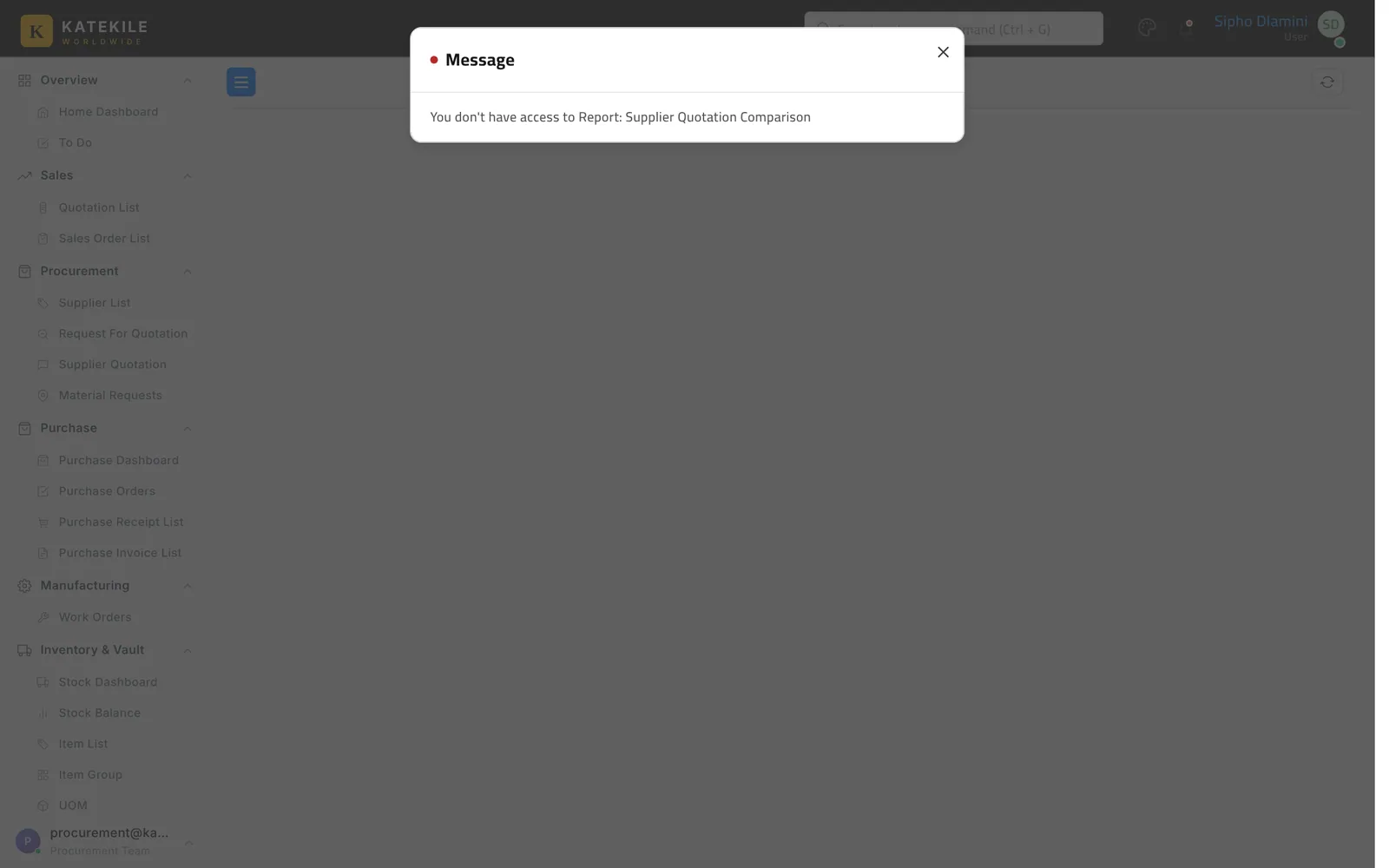
Run Supplier Quotation Comparison (Reports) to see each supplier’s price per item side by side.
From the winning quotation, use Create → Purchase Order.
Last updated October 16, 2026