Purchase Invoices
Book the supplier's invoice against the receipt (three-way match) and post it.
Used byFinance UserFinance Mgr
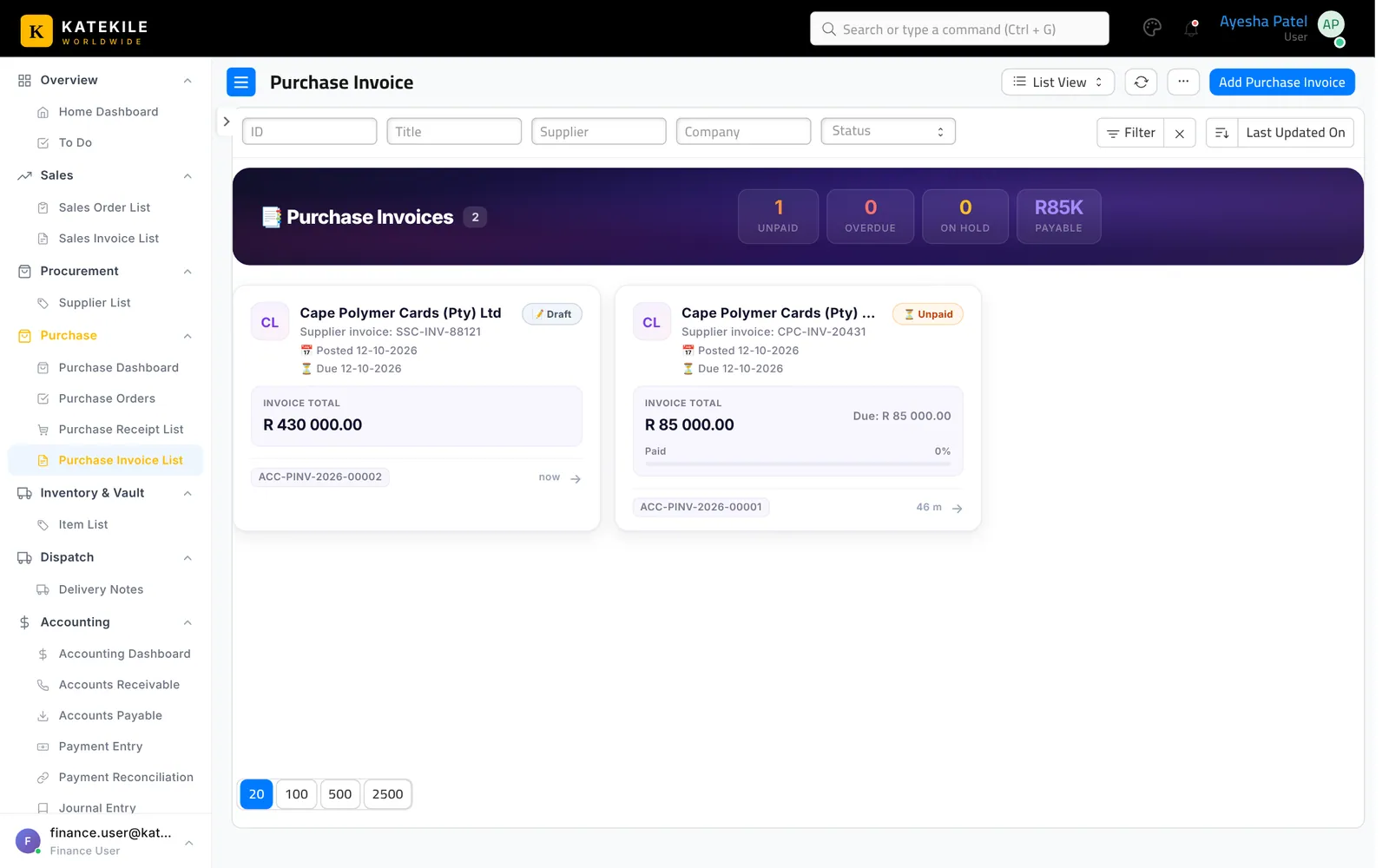
Who: Finance User and Finance Manager can both create and submit; normally the Finance User prepares and the Finance Manager reviews and submits. Menu: Purchase → Purchase Invoice List (also on the Finance Home Dashboard).
Create from the receipt (three-way match)
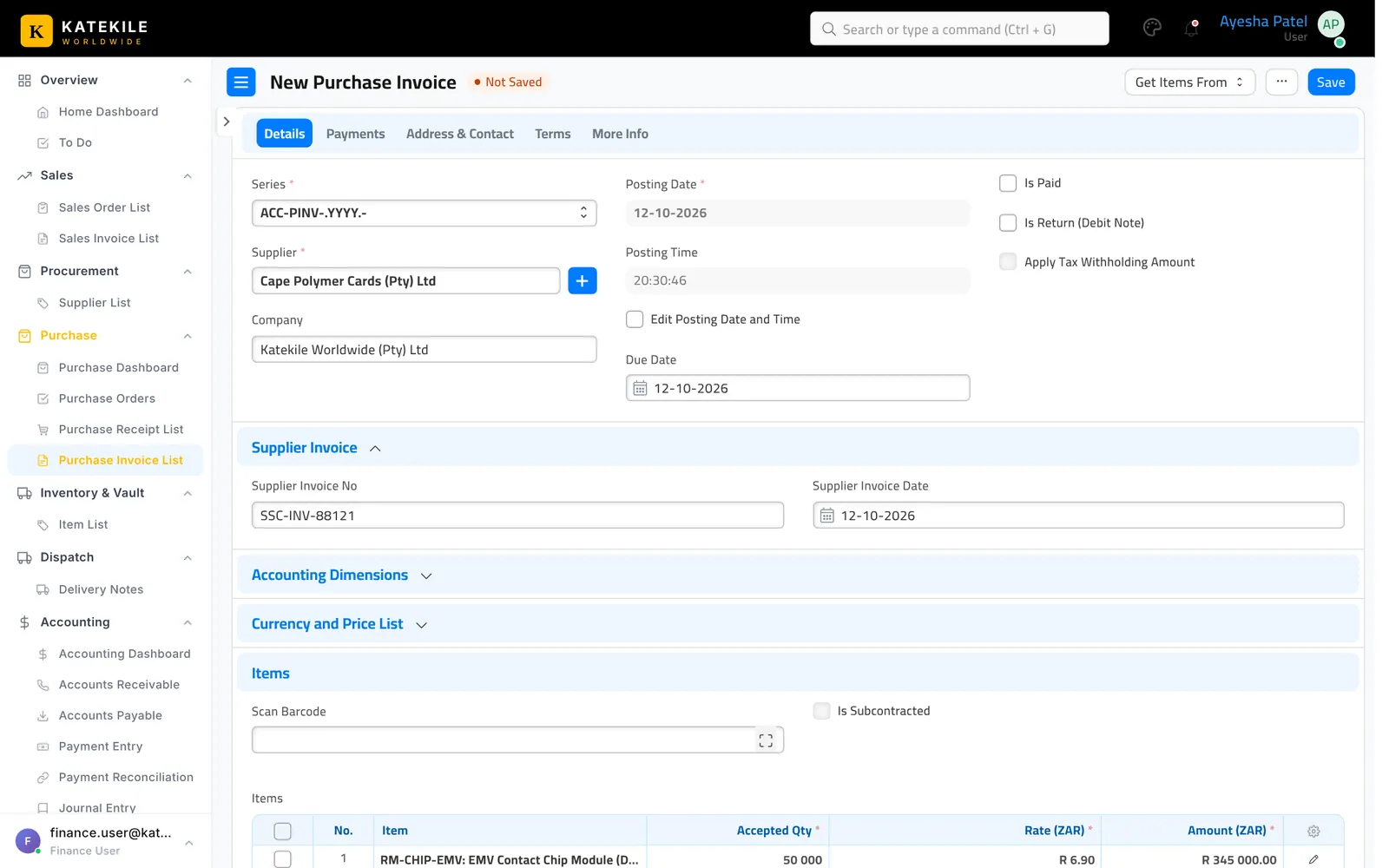
- Open the submitted Purchase Receipt and click Create → Purchase Invoice. Items, quantities and rates come from the PO and GRN.
- Enter the supplier’s Supplier Invoice No (bill no) and Supplier Invoice Date.
- Check taxes (VAT) and mark any Is Zero Rated lines.
- Save. The invoice is a draft waiting for the Finance Manager.
Review and submit
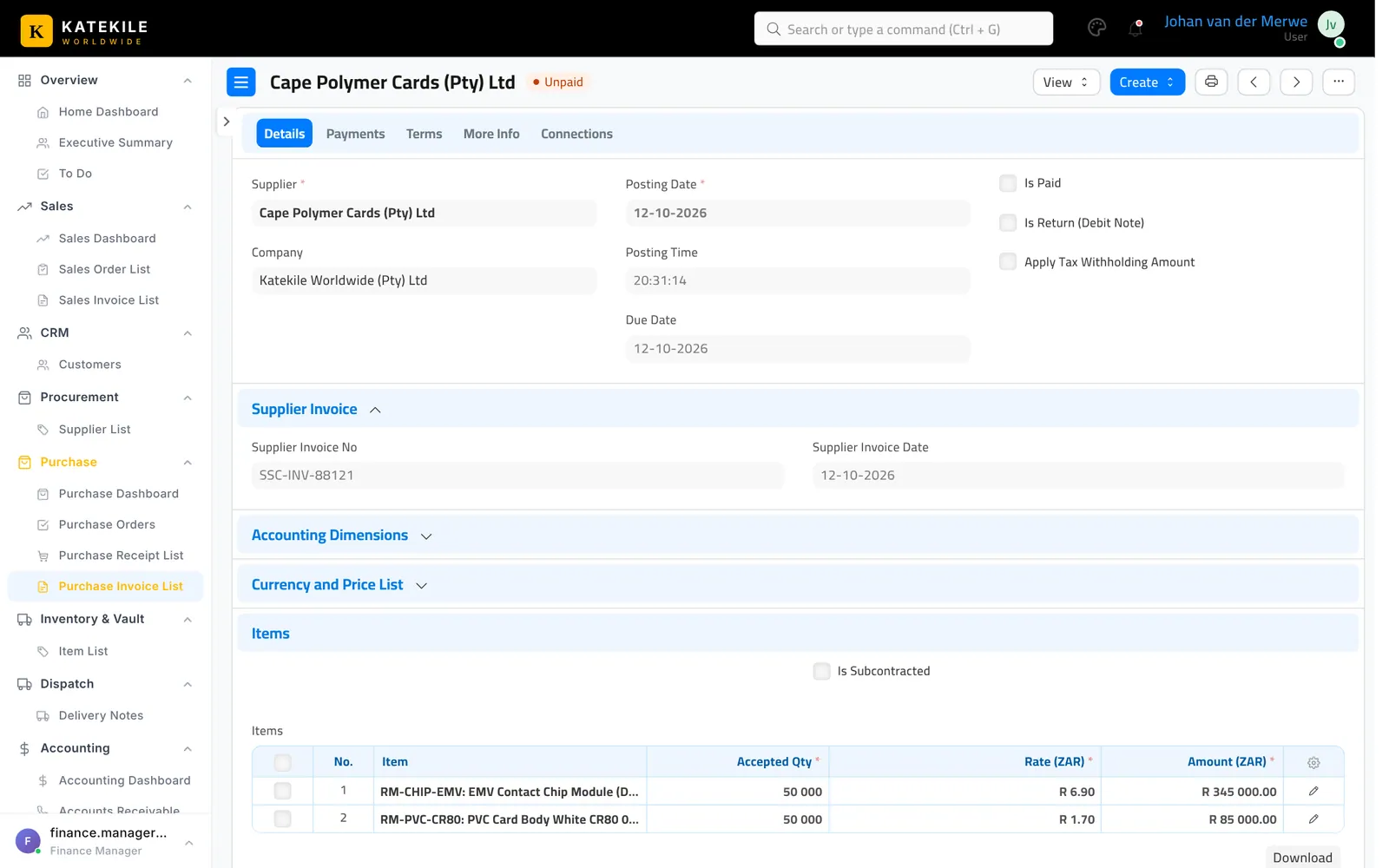
Open the draft, review it against the PO and GRN, and Submit.
Pay the supplier
From the submitted invoice use Create → Payment — see Payments.
Last updated October 16, 2026