Manufacturing Settings
Shop-floor rules — sequence enforcement, operator selection, auto-submit and the QR base URL.
Used byProd. Mgr
Who: Manufacturing Manager / System Manager edit; Manufacturing User reads. Open it by searching Katekile Manufacturing Settings.
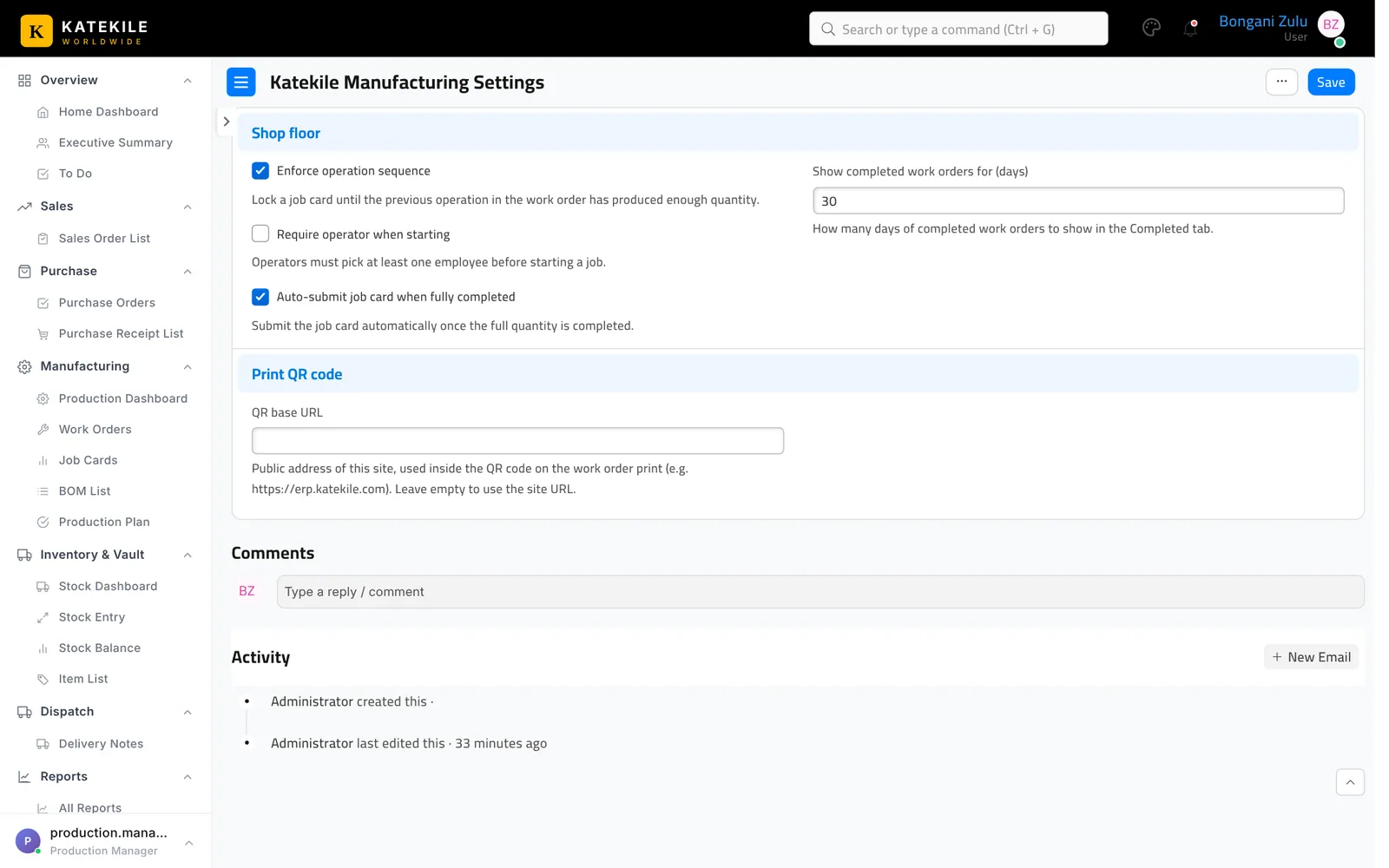
| Setting | Default | Effect |
|---|---|---|
| Enforce operation sequence | On | Locks a job card until the previous operation has produced enough quantity. |
| Require operator when starting | Off | Operators must pick at least one employee before starting a job. |
| Auto-submit job card when fully completed | On | Submits the job card automatically once the full quantity is recorded. |
| Show completed work orders for (days) | 30 | How far back the Completed filter looks. |
| QR base URL | empty | Public address used in the QR on the printed order, e.g. https://erp.katekile.co.za. Leave empty to use the site URL. |
Last updated October 16, 2026