Delivery Notes
Create the Delivery Note from the Sales Order and post it.
Used byWhse MgrProd. MgrFinance MgrFinance User
Who: Warehouse Manager creates and edits; Production and Finance read. Posting needs stock-posting rights. Menu: Dispatch → Delivery Notes.
Create from the Sales Order
- Open the submitted Sales Order and click Create → Delivery Note.
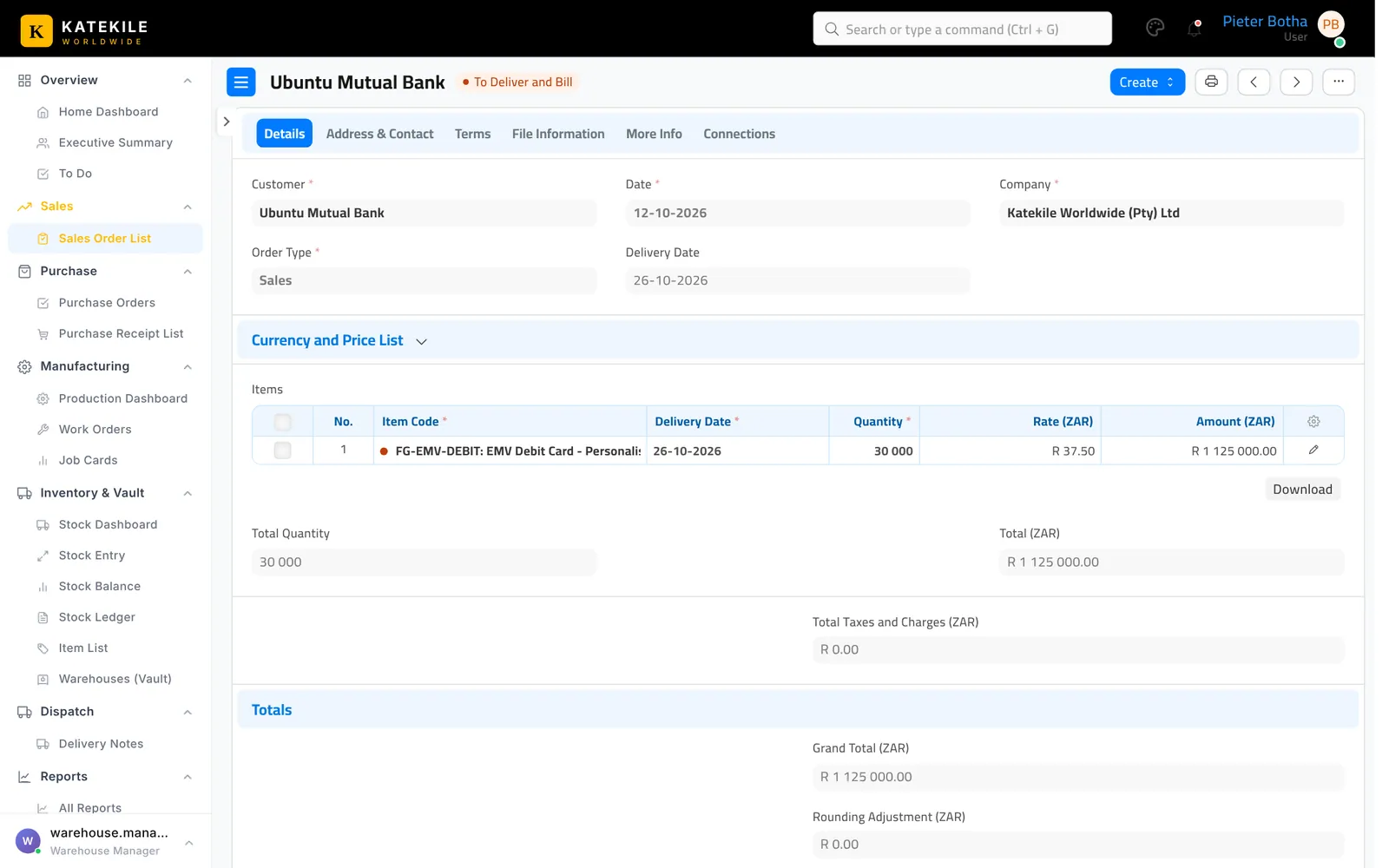
- Check the warehouse on each line is Finished Goods and the quantities match what is being shipped.
- Save.
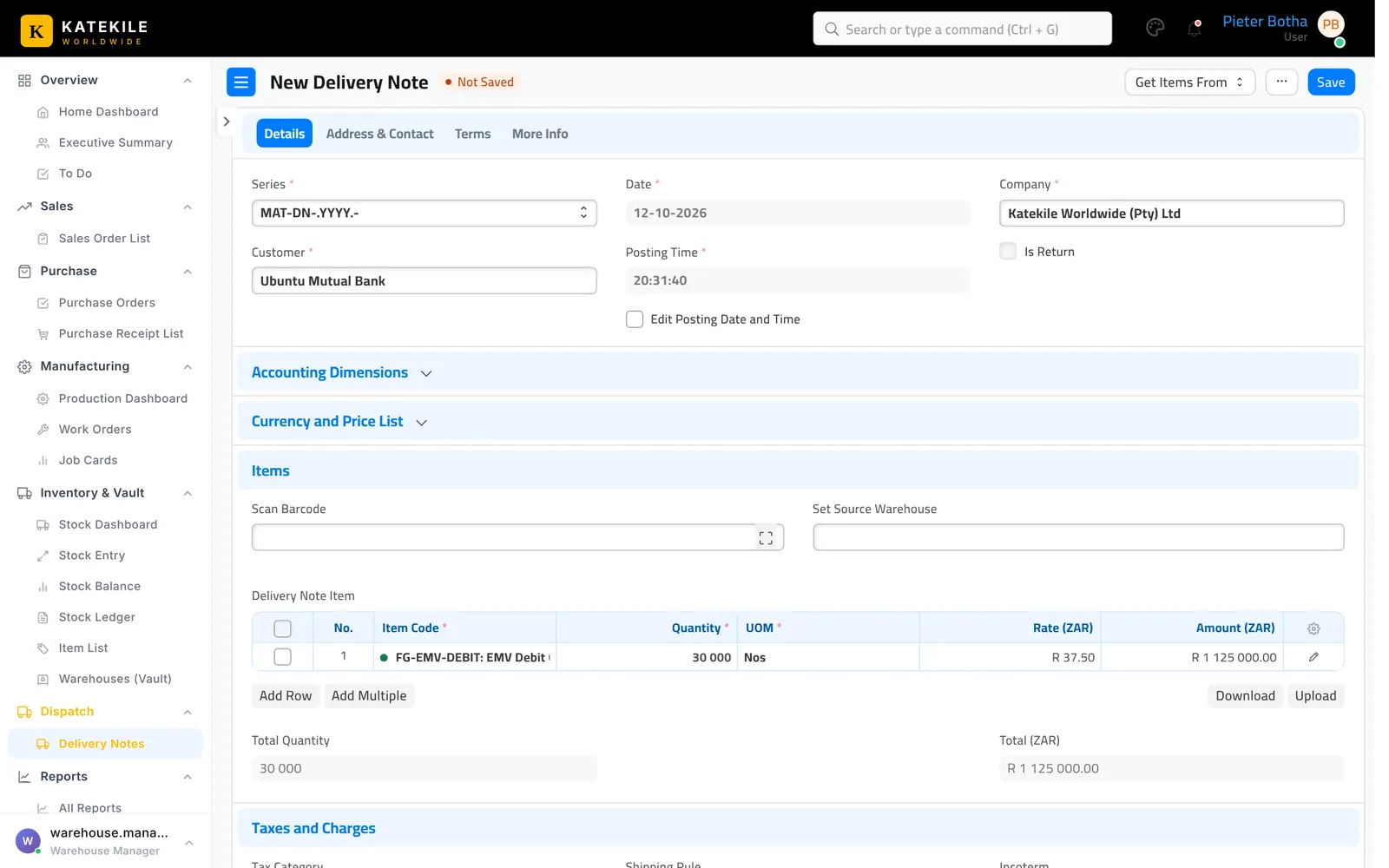
- Submit to post the stock out.
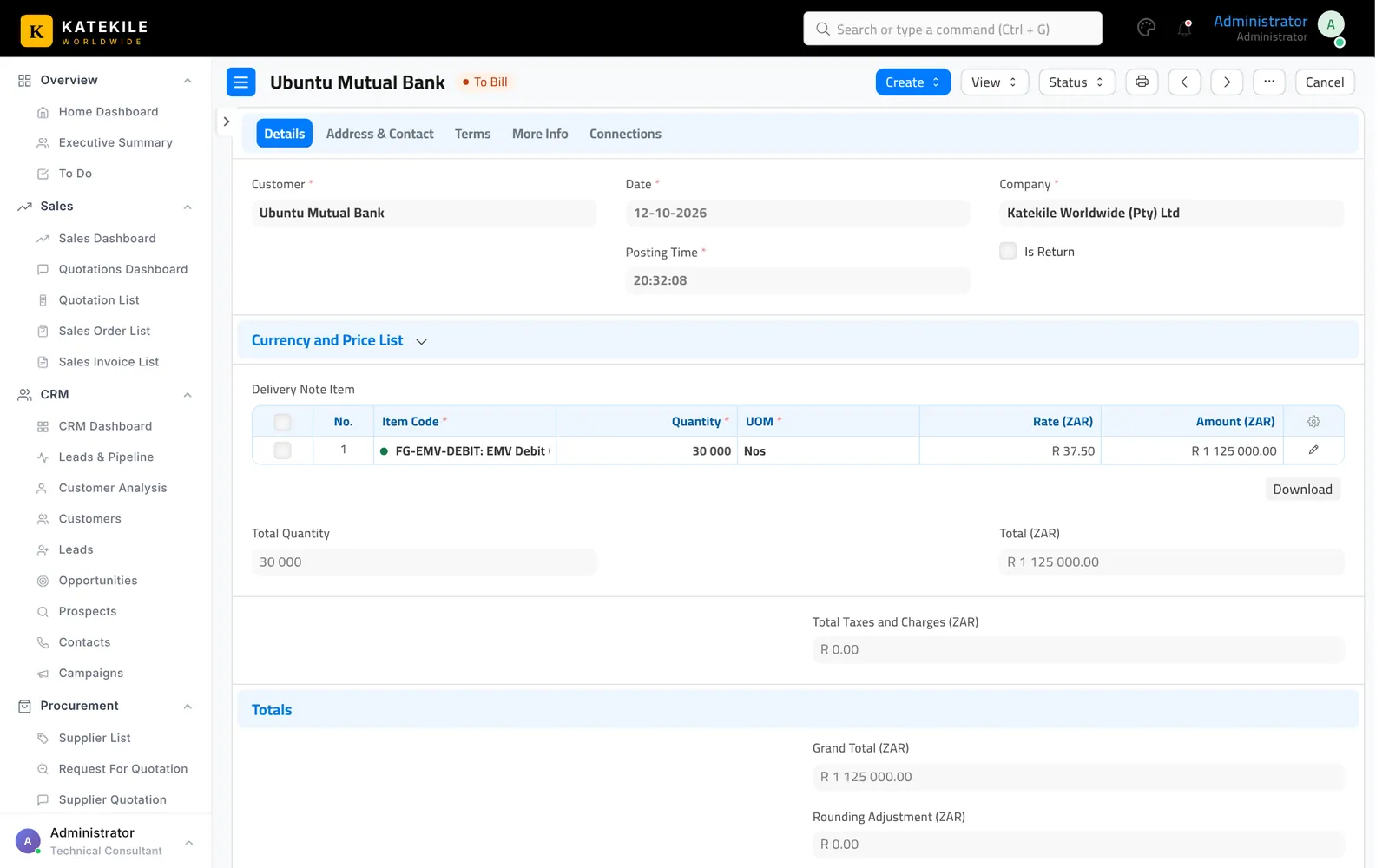
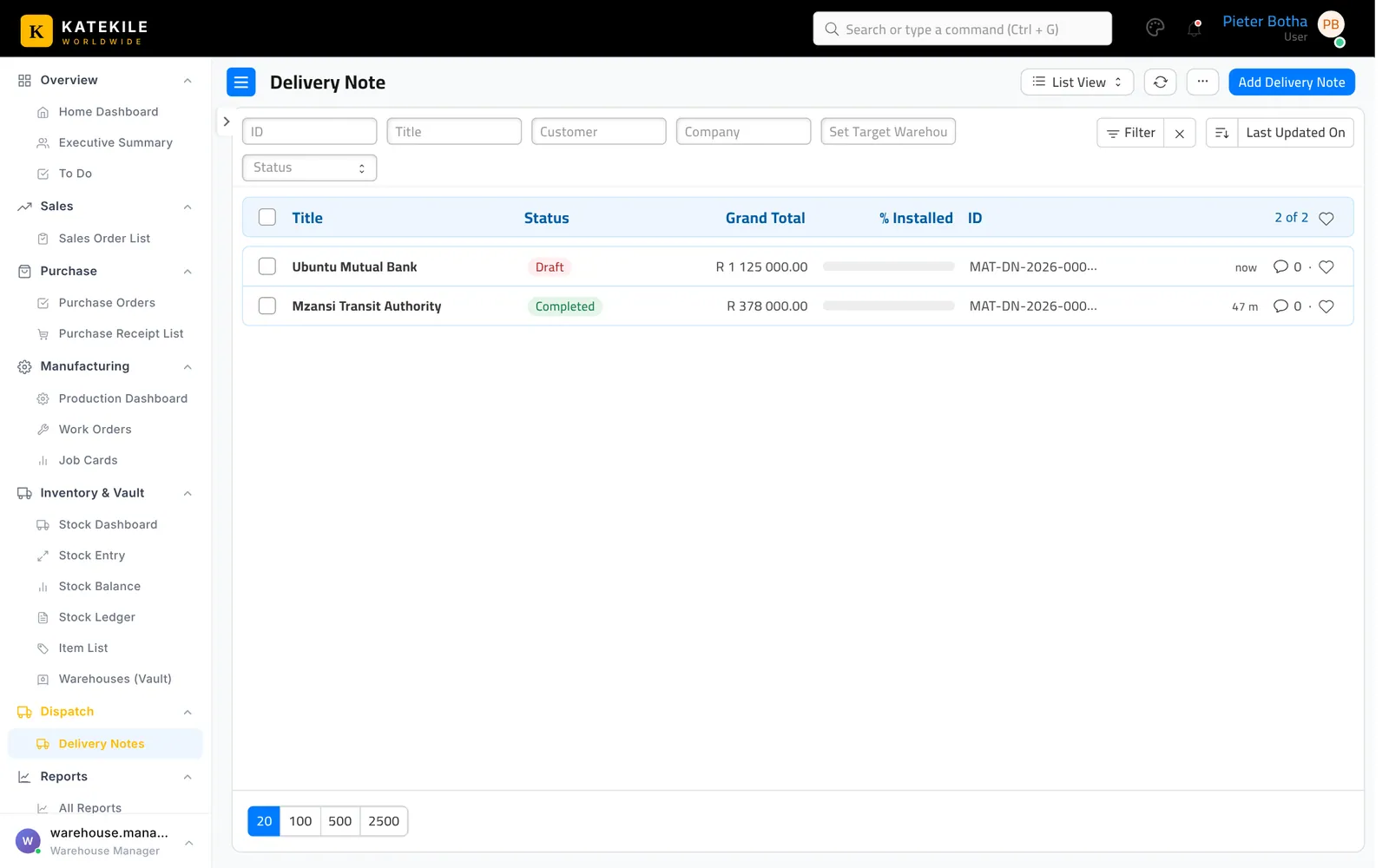
Finance then creates the Sales Invoice from the Delivery Note — see Sales Invoices.
Last updated October 16, 2026